Back to featured insights
10 Best CRM Plugins to Level Up Your WooCommerce Store
Explore the top CRM plugins designed to help your WooCommerce store improve customer management, automate marketing tasks, and drive sustainable growth. This guide highlights essential features, benefits, and tools to elevate your store’s performance.

Table of Content
Share
Managing a WooCommerce store effectively requires more than just selling products—it demands a system to handle customer relationships seamlessly. Implementing a CRM can help you automate marketing, track customer behavior, and boost sales performance.
This guide is perfect for WooCommerce store owners, eCommerce managers, and small business entrepreneurs looking to scale their operations. In this article, we’ll explore the 10 must-have CRM plugins that can take your WooCommerce store to the next level.
What Is WooCommerce CRM?
A WooCommerce CRM (Customer Relationship Management) is a system that integrates directly with your WooCommerce store to collect, organize, and manage customer data. It helps you understand who your customers are, what they purchase, and how they interact with your store — all within one connected platform.
Unlike a general CRM, a WooCommerce CRM is specifically designed for eCommerce. It automatically syncs order data, purchase history, and customer behavior so you can track shopper activities and build more personalized engagement.

Benefits of Using CRM for WooCommerce
Integrating a CRM with your WooCommerce store not only helps you manage customer data efficiently but also enhances the shopping experience and boosts sales. Here are the main reasons why you should do it:
- Centralized customer data: A CRM brings all customer information, including profiles, orders, and interactions, into one place for easier tracking and analysis.
- Better customer segmentation: You can group customers by behavior, purchase history, or engagement level to run more targeted campaigns.
- Improved customer retention: Automated follow-ups, personalized offers, and post-purchase workflows help keep shoppers coming back.
- Enhanced personalization: CRM data allows you to deliver tailored product recommendations, emails, and promotions.
- More effective marketing automation: You can set up workflows like abandoned cart emails, post-purchase sequences, and win-back campaigns.
- Higher sales conversion: With insights into customer behavior, you can optimize touchpoints and increase the likelihood of purchase.
- Streamlined communication: A CRM tracks all interactions including emails, notes, and support, making communication consistent and organized.
- Better decision-making with analytics: eCommerce-focused CRMs provide dashboards showing lifetime value, churn risks, and revenue patterns to help you make informed decisions.
- Scalability as your store grows: As your customer base grows, a CRM ensures efficient management without needing additional resources.
- Stronger long-term customer relationships: By understanding each shopper’s journey, you can build trust and nurture long-term loyalty.
10 Best CRM Plugins for WooCommerce Store
Here are 10 essential CRM plugins that can help you manage customers, automate marketing, and grow your WooCommerce store efficiently.
- HubSpot for WooCommerce
- Jetpack CRM (Formerly Zero BS CRM)
- Salesforce
- FluentCRM
- Omnisend
- Drip
- WP Fusion
- Agile CRM
- Ninjodo
- Metrilo
Now, let’s take a closer look at each plugin and see what makes them stand out.
HubSpot for WooCommerce

HubSpot for WooCommerce Stats:
- Rating: 4.7/5
- Best for: businesses seeking a feature-rich CRM
- Price: freemium (paid plans start at $18/month)
- Active installations: 10,000+
HubSpot for WooCommerce is a powerful CRM designed to integrate smoothly with your WooCommerce store. It provides a wide array of tools to help you manage customer data, streamline marketing campaigns, and drive more sales.
Once installed, you can sync your WooCommerce store with HubSpot, allowing you to access all customer information directly from the HubSpot dashboard.
What sets HubSpot apart is its all-in-one feature set. From advanced reporting and abandoned cart recovery to sales pipeline management, it offers capabilities that many other CRM plugins do not, giving you a complete solution for growing your online store.
Key features:
- Customer support and help desk: Handle customer inquiries, manage support tickets and email communications, and maintain a knowledge base for self-service support.
- Email automation: Create targeted campaigns and set up automated workflows to engage customers efficiently.
- Sales pipeline management: Track your sales process, monitor performance, and identify opportunities for growth.
The extensive range of features can feel overwhelming for newcomers. Additionally, some of the more advanced tools are only accessible with premium plans.
Jetpack CRM (Formerly Zero BS CRM)
Jetpack Stats:
- Rating: 4.3/5
- Best for: small-to-medium WooCommerce store owners
- Price: freemium (starting at $11/month when billed annually)
- Active installations: 40,000+
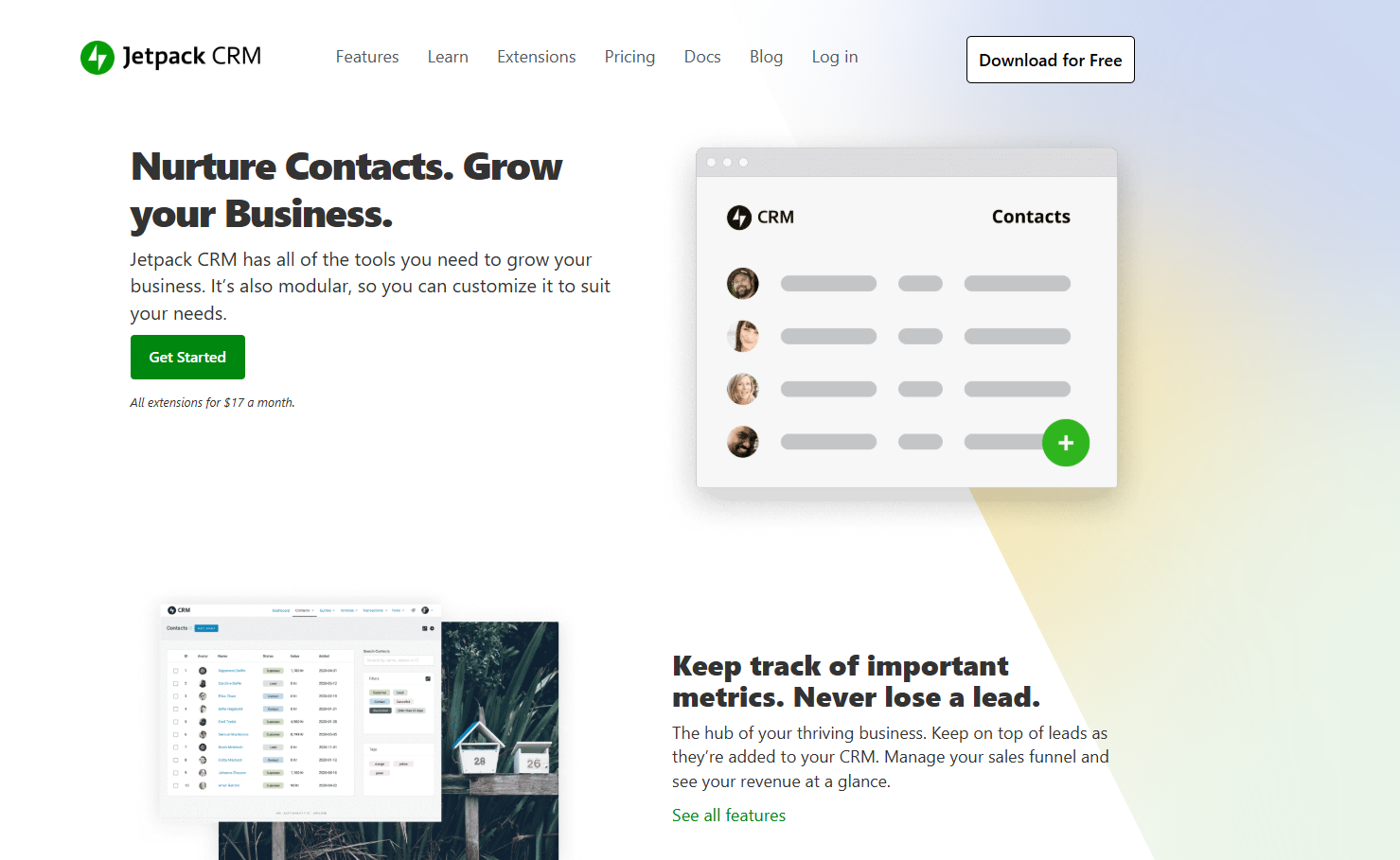
Jetpack CRM (formerly Zero BS CRM) is a streamlined CRM solution that works seamlessly with most WooCommerce plugins. It’s ideal for users who prefer a simple and straightforward approach to managing customer relationships.
After installing the plugin on your WooCommerce store, it automatically collects customer data and order details, all accessible directly from your WordPress dashboard.
What makes Jetpack CRM stand out is its focus on simplicity. Unlike other CRMs packed with numerous features, Jetpack CRM provides the core tools needed to manage customers effectively, making it especially suitable for small business owners starting their online journey.
Key Features:
- Contact management: Keep all customer information organized in one place.
- Built-in email campaigns: Create and send targeted emails using an intuitive editor, pre-made templates, personalization options, and performance tracking.
- Extensions: Add extra functionality with paid extensions such as invoicing, PayPal, and MailChimp integration.
While the free version covers the essentials, larger businesses may require advanced features available only through paid extensions, which can become costly.
Salesforce
Salesforce Stats:
- Rating: 4.5/5
- Best for: large businesses looking for enterprise-level CRM and sales management
- Price: premium (paid plans start at $25/user/month)
- Active users: 150,000+
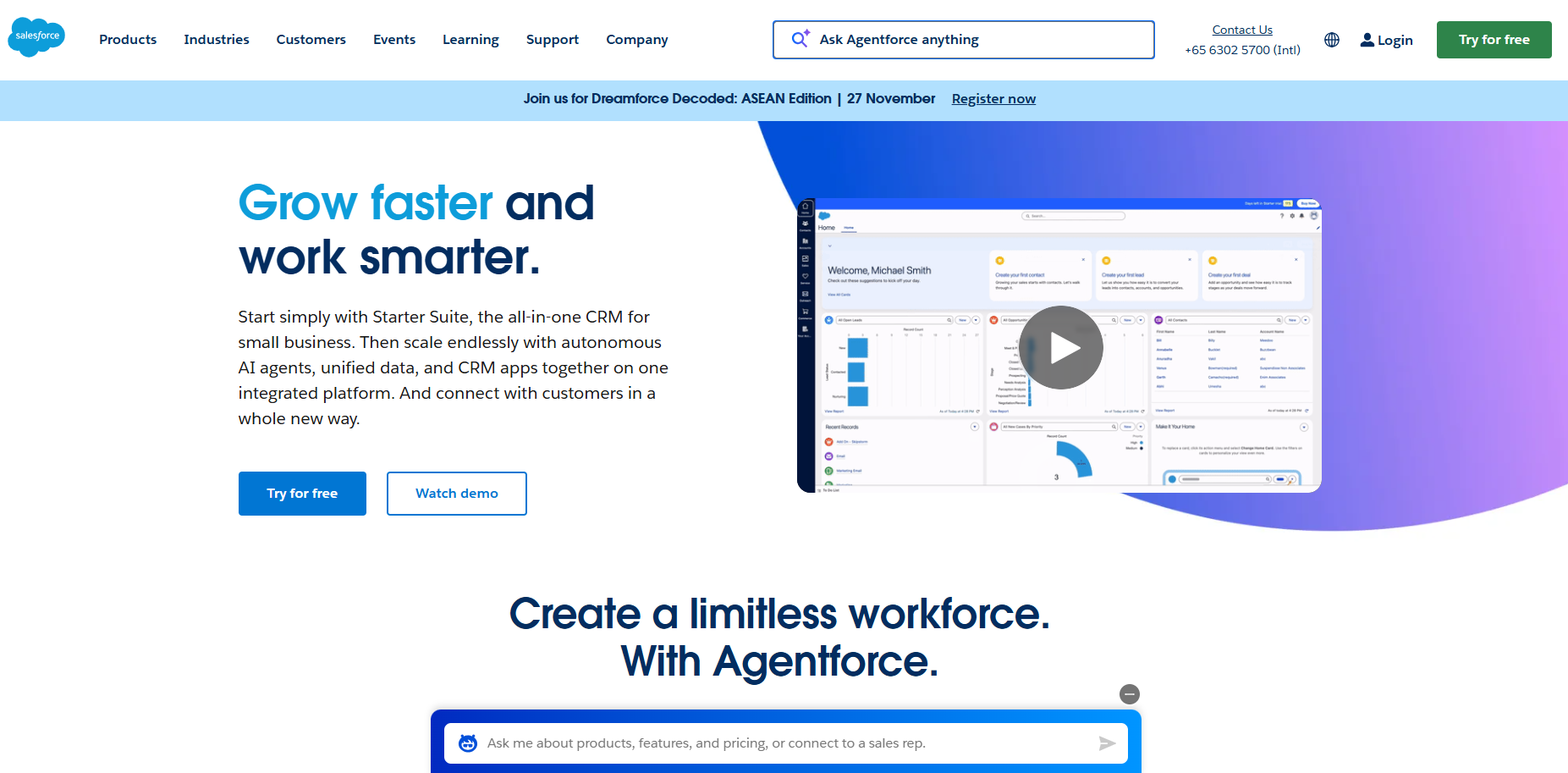
Salesforce is a well-known CRM platform offering a comprehensive set of tools for sales, marketing, and customer relationship management. It is primarily geared towards enterprise-level businesses.
To connect Salesforce with your WooCommerce store, you need a Salesforce account and a WooCommerce connector plugin. Once integrated, Salesforce allows you to manage customer data and business processes in a centralized, customizable system.
Salesforce stands out for its scalability, extensive integration options, and flexibility. You can tailor the CRM to your business needs and connect it with other applications and workflows seamlessly.
Key Features:
- Sales management: Track leads and opportunities, forecast sales, and analyze performance metrics.
- Marketing automation: Build personalized campaigns, monitor customer interactions, and measure effectiveness.
- Workflow automation: Streamline repetitive tasks to improve efficiency and productivity.
Keep in mind that Salesforce is generally more expensive than other CRM solutions, and the WooCommerce connector plugin adds to the overall cost.
FluentCRM
FluentCRM Stats:
- Rating: 4.9/5
- Best for: businesses looking for a lightweight, robust, and easy-to-use CRM
- Price: freemium (paid plans start at $103/year)
- Active installations: 30,000+
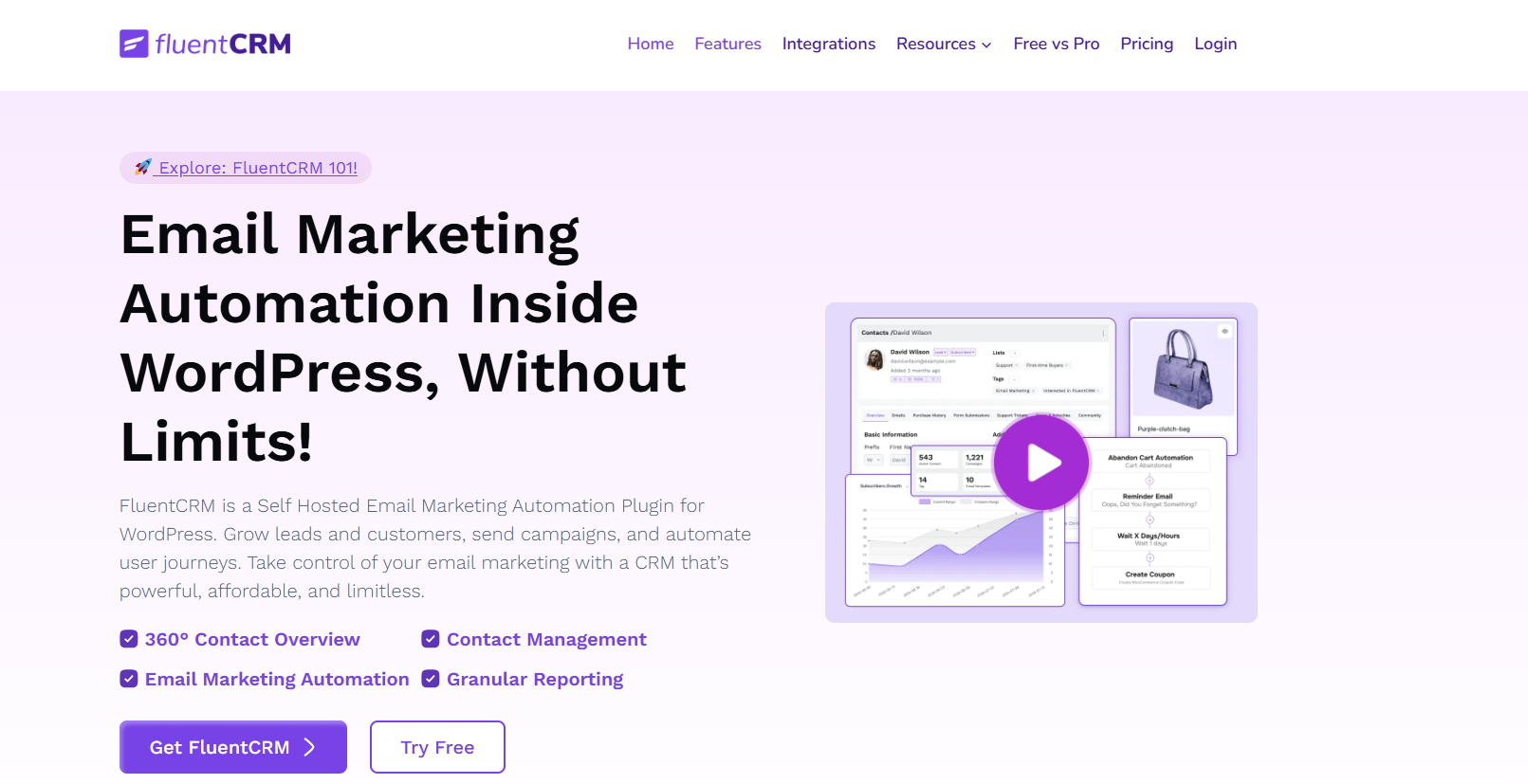
FluentCRM is a self-hosted email marketing automation plugin for WordPress, making it an excellent choice for WooCommerce stores. It centralizes all customer data, simplifying relationship management.
After installation, you can integrate FluentCRM with your WooCommerce store to manage customer information. From the WordPress dashboard, you can run email campaigns, monitor customer activities, and drive more traffic and engagement.
FluentCRM stands out for its simplicity. Being lightweight and self-hosted, it does not rely on external services, offering faster and more efficient performance compared to many other CRM platforms.
Key Features:
- Segmentation: Organize customers based on behavior and characteristics.
- Email campaigns: Build and manage targeted email campaigns for both new and existing customers.
- 360-degree contact view: Access a complete overview of each customer, including purchase history and interactions.
The free version lacks advanced features like dynamic segmentation and email sequencing, but it still provides the essential tools for effective CRM.
Omnisend

Omnisend Stats:
- Rating: 4.9/5
- Best for: eCommerce email marketing automation
- Price: freemium (paid plans start at $16/month)
- Active installations: 7,000+
Omnisend is a powerful WooCommerce CRM designed for eCommerce businesses of all sizes. It allows you to manage email marketing and customer relationships directly within your WooCommerce store.
Omnisend stands out with its industry-specific templates and eCommerce-focused automation workflows. The platform also provides detailed campaign performance reports to help you optimize marketing efforts.
After installation, you can set up email campaigns and automation workflows using Omnisend’s intuitive drag-and-drop editor. Segment your audience and send personalized messages, such as abandoned cart reminders or product recommendations.
Key Features:
- Unlimited audience segmentation: Group customers into segments for more targeted marketing.
- Email and SMS automation: Automate campaigns to engage customers consistently with minimal effort.
- One-click integration: Quickly connect Omnisend to your WooCommerce store for easy setup.
Omnisend offers a free plan allowing up to 500 emails per month to 250 contacts. For more emails and additional contacts, paid plans start at $16/month.
Drip

Drip Stats:
- Rating: 4.3/5
- Best for: marketing and email automation campaigns
- Price: premium (paid plans start at $39/month for 2500 contacts)
- Active installations: 4,000+
Drip is a powerful eCommerce CRM plugin for WooCommerce, designed to help businesses build strong, profitable customer relationships at scale.
After installation, connect Drip with your WooCommerce store. Once configured, you can automate marketing workflows, manage segmentation, run email campaigns, and more directly from the Drip dashboard.
Drip excels in automation. It enables businesses to acquire more customers and drive sales through automated email and social media campaigns. Its segmentation and automation tools also allow personalized messaging based on customer behavior.
Key Features:
- Advanced segmentation: Precisely segment customers for targeted messages and offers, enhancing loyalty.
- Email campaigns: Run automated email campaigns with detailed performance tracking.
- Automation workflows: Build complex workflows to engage customers effectively.
Drip’s pricing depends on the number of contacts, which can be costly for larger customer bases. There is no free plan, but a 14-day free trial is available.
WP Fusion

WP Fusion Stats:
- Rating: 4.6/5
- Best for: businesses looking for a compatible CRM solution
- Price: freemium (prices start at $247/year)
- Active installations: 4,000+
WP Fusion is a versatile WordPress plugin that links your site to over 40 supported CRM platforms and marketing automation tools. It’s perfect for WooCommerce store owners using multiple plugins who want to keep all their systems working seamlessly together.
To set up WP Fusion, you add a section in the settings of your other plugins to map CRM tags to WordPress fields, ensuring that your CRM data stays synchronized with your website.
WP Fusion’s main strength is its compatibility, making it an excellent choice for store owners who rely on several tools to manage their online business.
Key Features:
- Seamless integration: Easily connect WooCommerce with a wide range of CRM platforms.
- Multiple plugin synchronization: Keep CRM data in sync with other WordPress plugins.
- Automation triggers: Launch automation workflows based on customer activity.
WP Fusion can be costly for small startups or beginners. While the free WP Fusion Lite version exists, it has very limited functionality.
Agile CRM
Agile CRM Stats:
- Rating: 4.1/5
- Best for: SMEs looking to scale their operations quickly
- Price: free for up to 10 users (paid plans start at $8.99/user/month)
- Active installations: 1,000+
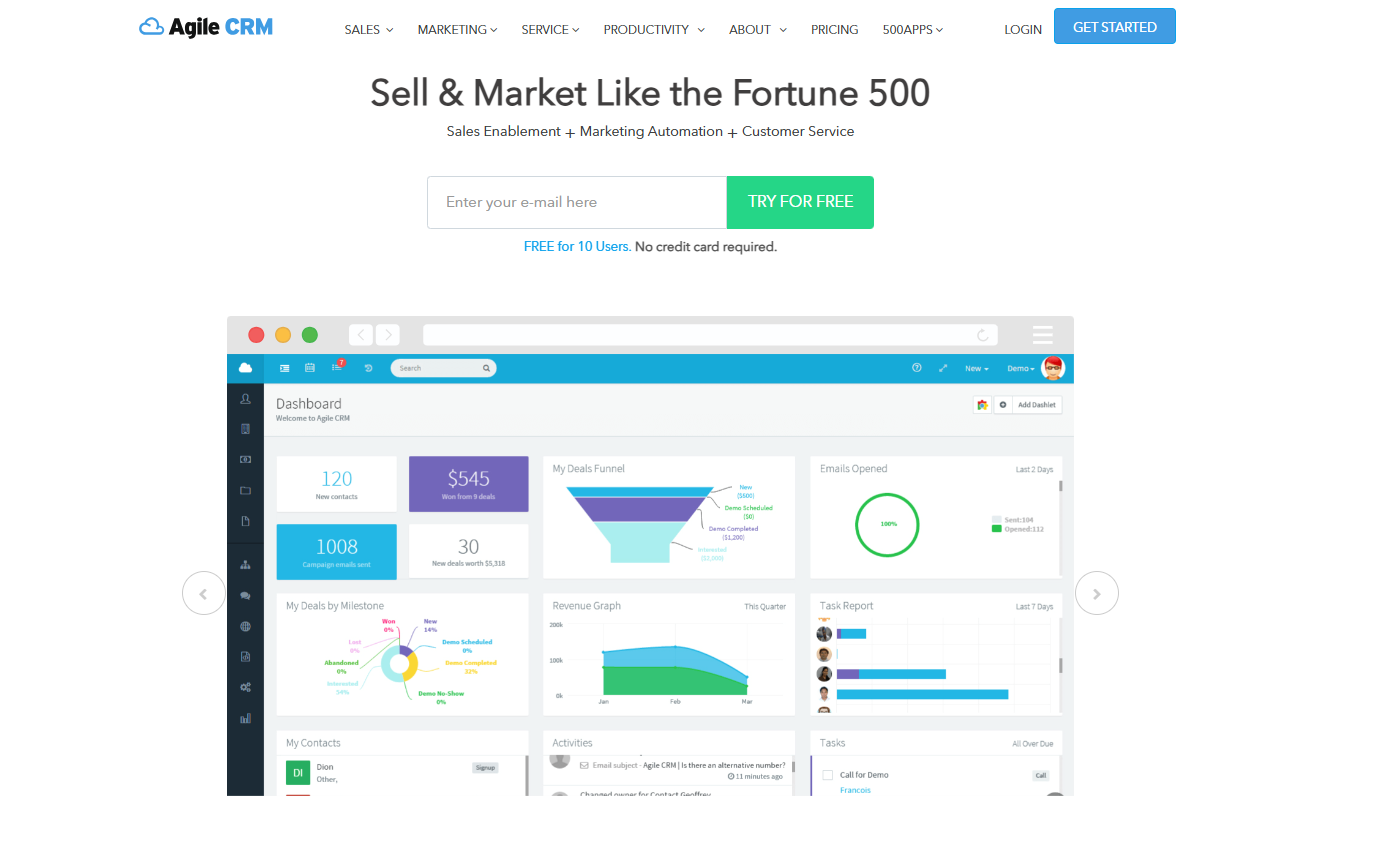
Agile CRM is a full-featured solution that integrates sales, marketing, and customer service tools into a single platform. It is known for its versatility and robust feature set, making it a valuable choice for WooCommerce store owners.
After installing the plugin, follow the on-screen prompts to complete the setup. You can then use the WooCommerce dashboard to monitor customer activity, automate marketing campaigns, and deliver excellent service.
Agile CRM is ideal for WooCommerce because it combines multiple business functions in one platform. This all-in-one approach saves time, enhances efficiency, and is particularly beneficial for small and medium-sized enterprises looking to scale.
Key Features:
- 360-degree customer view: Access comprehensive customer information, including contact details, interaction history, and social media profiles, in one place.
- Social media monitoring: Connect accounts and track mentions, activities, and engagement across platforms like Facebook, Twitter, and LinkedIn.
- Service automation: Efficiently handle customer inquiries with ticketing and service management tools.
While Agile CRM offers a rich feature set, it may be overwhelming for beginners. Additionally, costs can increase for larger businesses with many users.
SalesAutoPilot
SalesAutoPilot Stats:
- Rating: 4/5
- Best for: businesses looking for a CRM with strong email marketing features
- Price: freemium (paid plans start at $14/month for 1000 contacts)
- Active installations: 200+
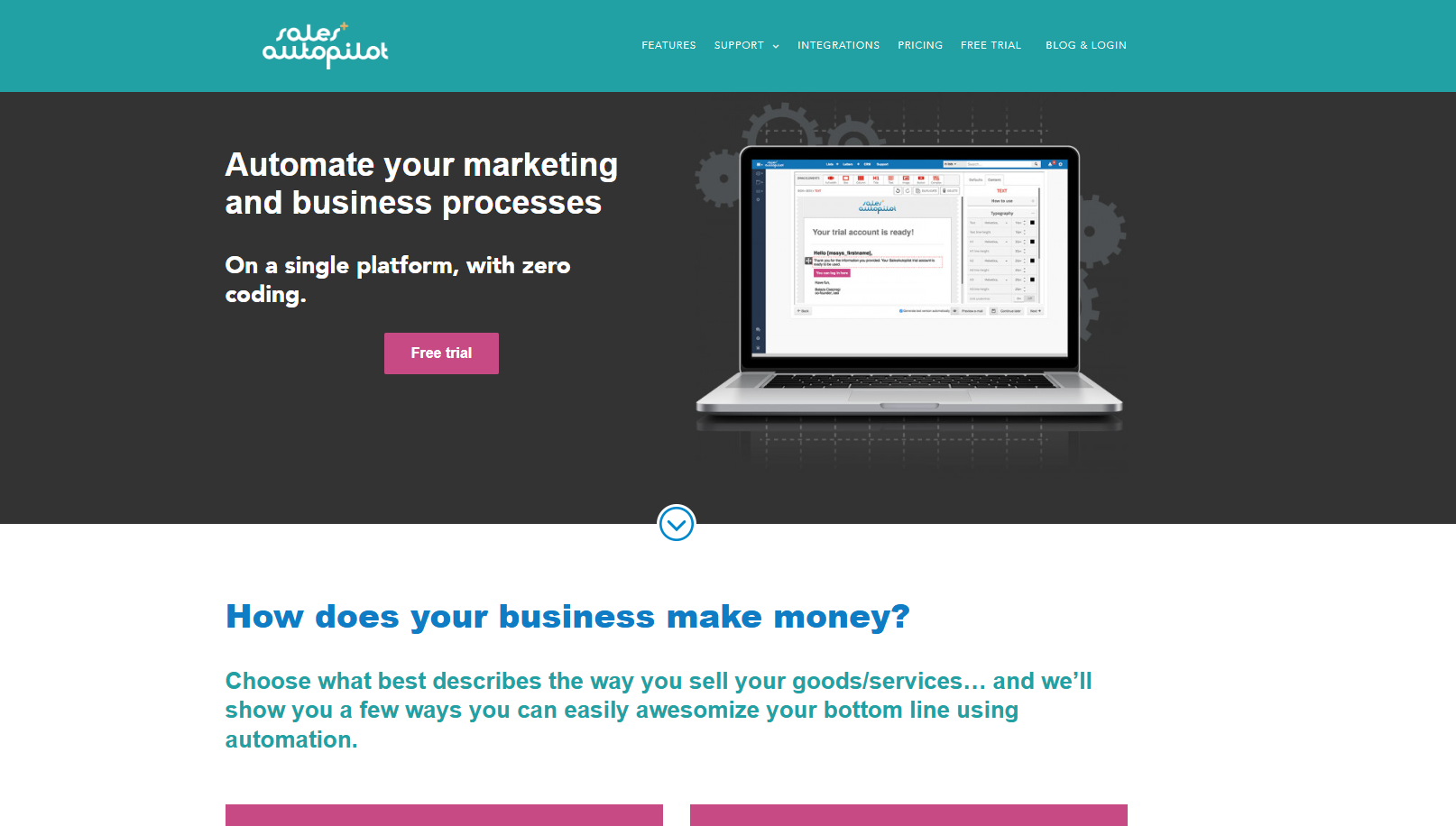
SalesAutoPilot is an all-in-one CRM and marketing automation platform designed to help WooCommerce store owners strengthen customer engagement. It combines customer management with powerful email automation features to support long-term business growth.
Once the plugin is installed, simply link it to your SalesAutoPilot account and sync your WooCommerce customer data. From there, you can manage contacts, monitor activity, and run automated marketing workflows directly within the system.
What makes SalesAutoPilot standout is its emphasis on email-driven marketing. It provides advanced tools—including automated sequences, behavioral triggers, and detailed email analytics—that surpass what many traditional CRM plugins offer.
Key Features:
- Powerful email automation: build personalized, automated email flows to maintain strong customer relationships.
- Customer segmentation: categorize customers based on behavior and preferences to deliver more relevant communication.
- eCommerce activity tracking: monitor customer actions to gain insights into purchasing patterns and habits.
The downside is that the interface may feel a bit dated, and beginners might find the initial setup and navigation challenging.
Metrilo

Metrilo Stats:
- Rating: 4/5
- Best for: eCommerce businesses
- Price: premium (plans start at $99/month when billed annually)
- Active installations: 800+
Metrilo is a powerful platform that combines eCommerce CRM, analytics, and email marketing. Its seamless integration with WooCommerce allows store owners to efficiently manage customer data.
After installing Metrilo, it syncs your WooCommerce store data to the platform. The dashboard provides tools to manage customers, track their activities, and send targeted emails based on behavior.
Unlike many other CRMs, Metrilo focuses on eCommerce analytics. It automatically segments customers by behavior, delivering actionable insights to help you develop effective marketing strategies.
Key Features:
- Customer database management: Access detailed customer profiles and order histories.
- Retention analysis: Identify your most valuable customers and develop strategies to keep them engaged.
- Email automation: Send personalized emails based on customer actions and behavior.
While Metrilo is highly effective for eCommerce, its higher price may be a barrier for small businesses or beginners. However, it offers a 14-day free trial to help you evaluate its value.
Factors to Consider When Selecting a CRM
Choosing the right CRM for your WooCommerce store can make a big difference in efficiency and growth. Here are key factors to consider:
- Ease of Use: Look for a CRM with an intuitive interface that your team can adopt quickly.
- Integration Capabilities: Ensure it integrates smoothly with WooCommerce, email marketing tools, and other apps you use.
- Automation Features: Check if the CRM supports automated workflows, email campaigns, and customer segmentation.
- Customization Options: The CRM should allow you to tailor fields, dashboards, and reports to your business needs.
- Scalability: Consider whether the CRM can grow with your business as you gain more customers and orders.
- Pricing Structure: Evaluate subscription costs, premium features, and the potential return on investment.
- Analytics & Reporting: Choose a CRM that offers robust reporting and insights to help make informed decisions.
- Customer Support: Reliable support can save time and help resolve issues quickly.
Frequently Asked Questions
1. What is a WooCommerce CRM?
A WooCommerce CRM is a customer relationship management tool designed to help store owners manage customer data, track interactions, automate marketing campaigns, and improve sales performance.
2. Do I need a CRM for a small WooCommerce store?
Yes, even small stores can benefit from a CRM. It helps organize customer information, automate repetitive tasks, and enhance customer engagement, allowing your business to grow efficiently.
3. Can I integrate multiple CRMs with WooCommerce?
Most WooCommerce-compatible CRMs allow integration through plugins. However, it’s recommended to choose one primary CRM to avoid conflicts and maintain data consistency.
4. Are WooCommerce CRMs expensive?
CRM pricing varies. Some offer free or basic plans, while advanced features and higher contact limits often require paid plans. It’s important to evaluate ROI before committing.
5. How do I choose the best CRM for my WooCommerce store?
Consider ease of use, integration capabilities, automation features, scalability, pricing, and support. Check if it aligns with your business goals and workflow.
Conclusion
Choosing the right CRM for your WooCommerce store can significantly enhance customer management, streamline marketing efforts, and boost sales. In this article, we covered 10 must-have CRM plugins that offer a variety of features from automation and segmentation to email marketing and analytics, helping store owners of all sizes optimize their operations.
At Arestós, we specialize in WooCommerce solutions tailored to your business needs. Our services help you set up, customize, and integrate your store with the most suitable CRM plugins to maximize efficiency and growth.
Contact us now to learn how we can help grow your WooCommerce store and boost your business success.
Subscribe to our newsletter!
Get updated to
the lastest IT trends
Related Posts
Update the latest technology trends for your business