Back to featured insights
Top 10 Generative BI Tools in Hong Kong
AI is changing how businesses understand data. Discover the Top 10 Generative BI Tools in Hong Kong and explore how the right platform can turn complex data into clearer insights and smarter decisions.
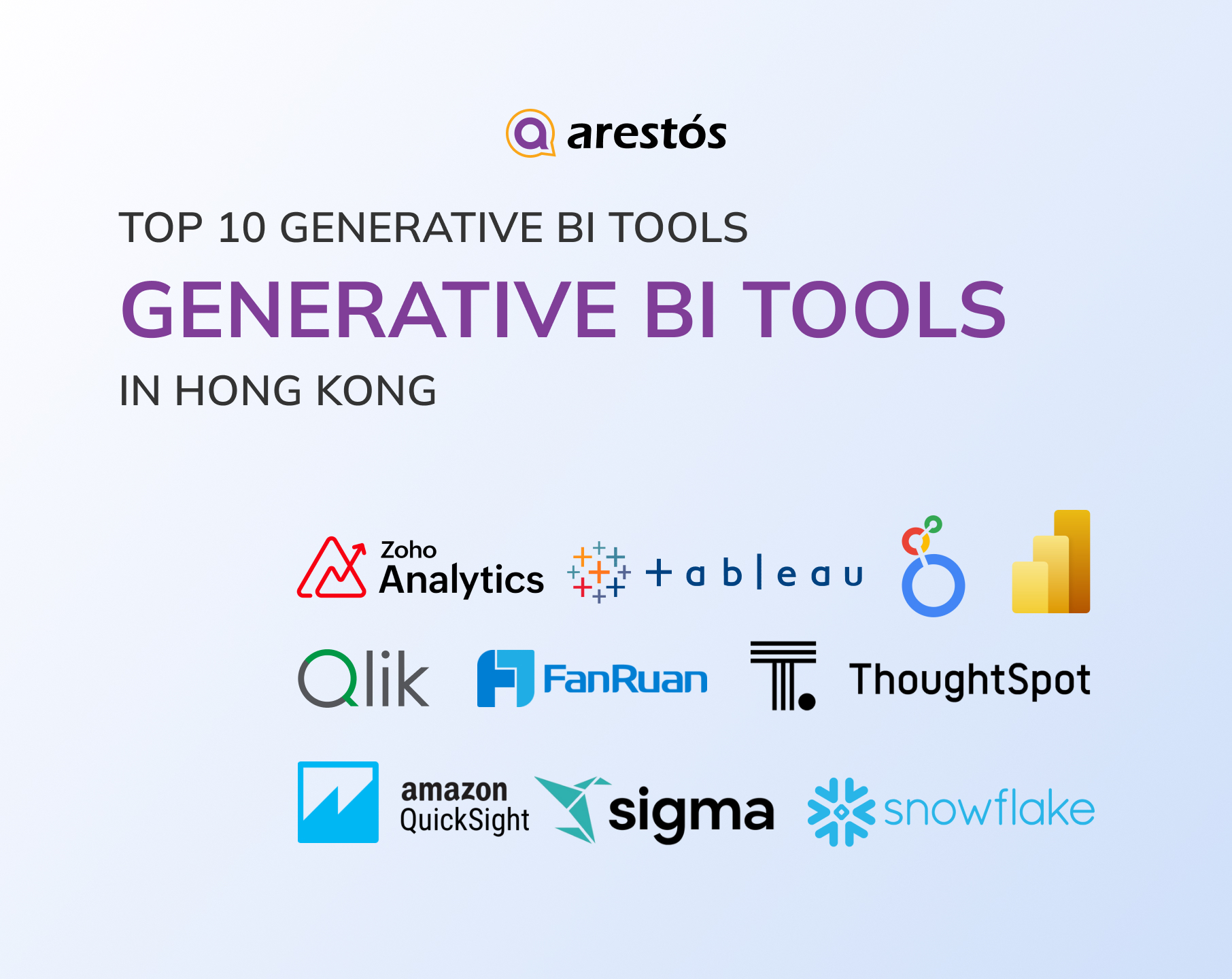

Table of Content
Share
Generative BI tools in Hong Kong are changing how businesses turn data into actionable insights through AI-powered analytics. They help teams analyze data faster, simplify reporting, and support better decisions. This guide is for Hong Kong businesses exploring AI-powered BI solutions. In this guide, we compare 10 leading tools and their fit for the local market.
What Is Generative BI?
Generative BI combines traditional business intelligence with generative AI, allowing users to analyze business data through natural-language questions. Instead of manually building queries or dashboards, users can ask questions, generate insights, summarize trends, and create visualizations through an AI assistant.
For a broader look at the topic, see What Is Generative BI and Why Your Biz Needs It?
Why Generative BI Matters for Hong Kong Businesses
Generative BI is becoming increasingly relevant in Hong Kong as businesses move from experimenting with AI to integrating it into everyday operations. At the same time, local regulatory, language, and cross-border data considerations make the requirements for AI-powered analytics more demanding.
- No analyst bottleneck. Most HK companies are SMEs without a dedicated BI team. Natural-language querying lets an ops or sales manager get an answer directly instead of queuing behind IT for a dashboard change.
- Bilingual by necessity. Teams work across English and Traditional Chinese; conversational BI removes the friction of English-only query tools and rigid report templates.
- Speed over sophistication. In retail, logistics, trading and professional services, margins are thin and cycles are short. Time-to-insight matters more than dashboard depth — generative BI compresses “question → answer” from days to minutes.
- Sits on top of what already exists. Data is usually already there in Odoo/ERP, WooCommerce or Shopify, POS and accounting systems — just siloed. Generative BI is an overlay, not a rip-and-replace, which is what makes the budget case work.
- Funding exists. Analytics and BI implementations typically qualify under HK’s Technology Voucher Programme, lowering the entry cost for SMEs.
How We Evaluated the Best Generative BI Tools for Hong Kong
Not every Generative BI platform is equally suitable for Hong Kong businesses. We evaluated each tool based on the factors that matter most when AI is used with business data, regulated information, and multilingual teams.
- Governance & Accuracy: Whether the AI works through a governed semantic layer and trusted business definitions, rather than generating raw or ungoverned SQL.
- Hong Kong / APAC Data Residency: Availability of relevant cloud regions and data-processing options for businesses with location-specific data requirements.
- PDPO & Cross-Border Compliance: Documented privacy, security, access-control, and data-processing capabilities for organisations handling personal data or cross-border transfers.
- Multilingual Support: Quality of natural-language queries and AI-generated narratives, particularly in English and Traditional Chinese, with consideration for Cantonese-oriented workflows.
- Ease of Use: How easily non-technical employees can query data, generate insights, and explore dashboards without relying heavily on SQL or data specialists.
- Pricing & SME Accessibility: Pricing transparency, licensing structure, minimum commitments, and affordability for Hong Kong SMEs.
- Ecosystem Fit: Integration with major technology ecosystems such as Microsoft, Google Cloud, AWS, and Snowflake, as well as platform-agnostic data environments.
Top 10 Generative BI Tools in Hong Kong
From enterprise-grade platforms to flexible AI analytics solutions, here are 10 standout Generative BI tools for the Hong Kong market.
- Microsoft Power BI
- Tableau
- Google Looker
- Qlik Cloud Analytics
- ThoughtSpot
- Snowflake Cortex Analyst
- AWS QuickSight
- Zoho Analytics
- FanRuan FineBI
- Sigma Computing
Let’s take a closer look at what each platform offers.
Microsoft Power BI (with Copilot)
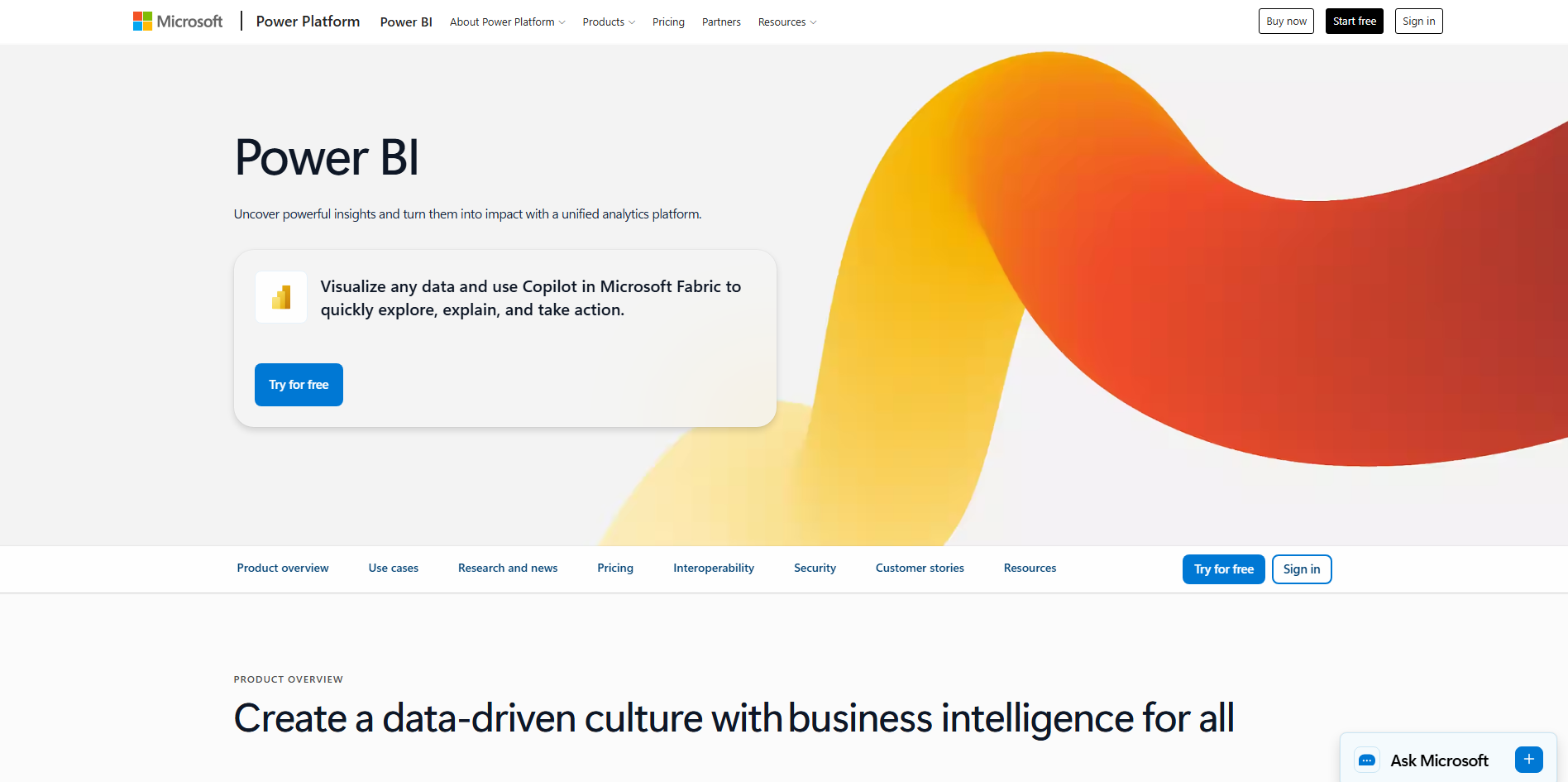
Microsoft Power BI with Copilot is a strong choice for Hong Kong enterprises already invested in the Microsoft ecosystem. Its advantage is not only generative AI, but how naturally it fits into existing Microsoft data, productivity, and collaboration workflows.
Key Generative AI Features
- Natural-language analysis: Copilot provides chat-based analysis and can generate DAX expressions to help users explore and work with data.
- AI-generated narratives: Copilot can create narrative visuals that summarize reports, pages, or selected visuals using natural-language prompts.
- Standalone Copilot: A full-screen Copilot experience lets users ask questions across accessible reports, semantic models, and data agents without first opening a specific report.
- Mobile access: Power BI mobile apps provide both in-report and standalone Copilot experiences, although the standalone experience is currently in preview.
Pricing
- Free option: Power BI offers a free tier for individual use, but Copilot has additional capacity requirements.
- Copilot: Microsoft currently requires access to a paid Fabric capacity (F2+) or Power BI Premium capacity (P1+), or a supported Fabric Copilot capacity.
Best For
Microsoft-centric enterprises: Organizations already using Microsoft 365, Excel, Teams, Azure, and Microsoft Fabric will generally face less integration friction.
Tableau
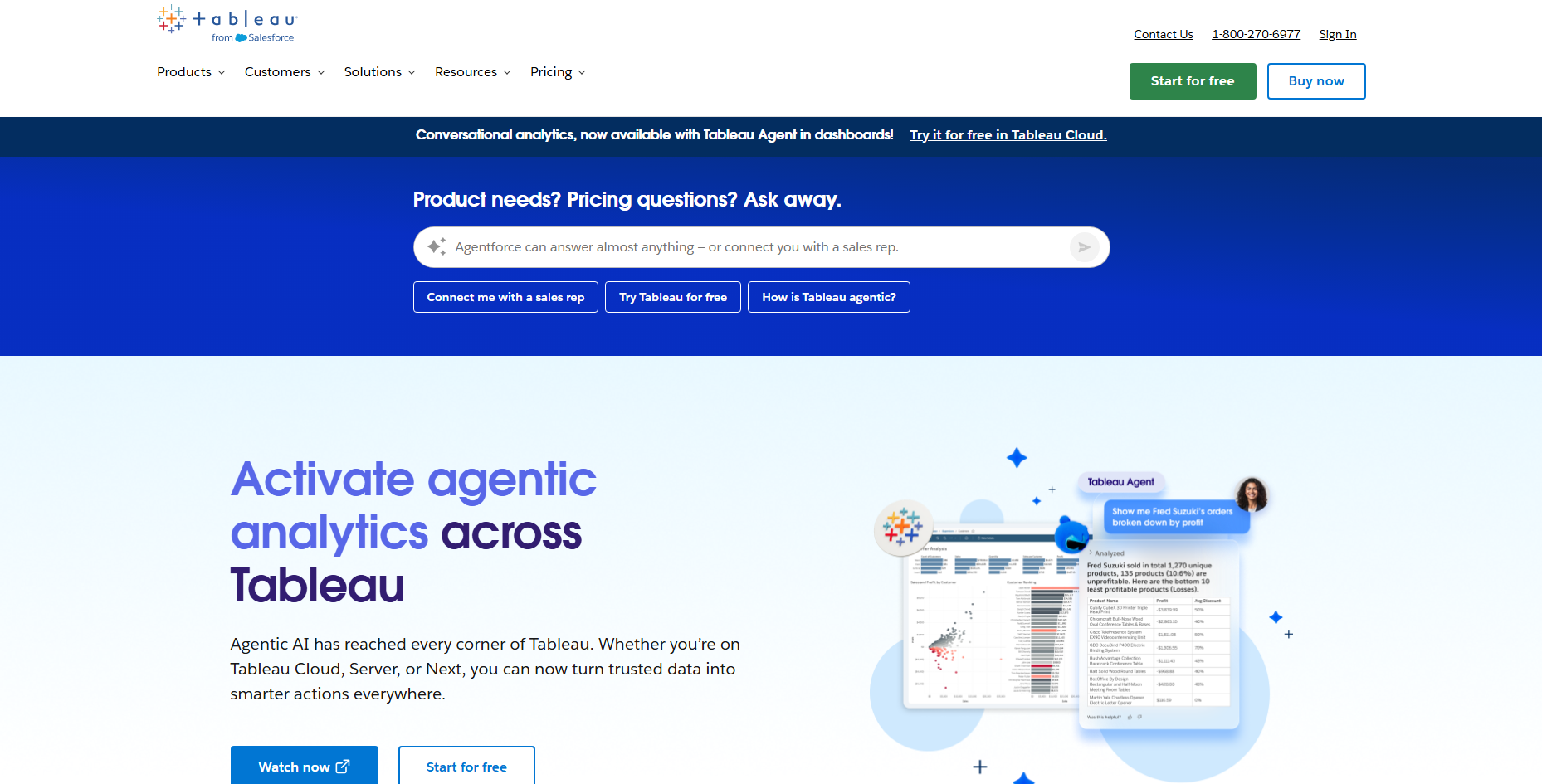
Tableau is a strong choice for Hong Kong businesses that prioritize visual analytics, self-service BI, and interactive dashboards. Its AI capabilities add natural-language interaction and automated insights on top of Tableau’s established analytics and visualization platform.
Key Generative AI Features
- Natural-language analytics: Tableau Agent allows users to interact with data using natural-language prompts and supports AI-assisted analysis.
- AI-generated insights: Tableau Pulse provides personalized, AI-powered insights and summaries around important business metrics.
- Automated analysis: AI can help identify trends, explain changes, and surface relevant insights without requiring users to manually build every analysis.
- Conversational exploration: Users can ask follow-up questions to explore business data and gain deeper context from their analytics.
Pricing
- Creator: Starts at US$75/user/month.
- Explorer: Starts at US$42/user/month.
- Viewer: Starts at US$15/user/month.
- AI capabilities: Availability may depend on the Tableau edition, deployment model, and applicable AI features.
Best For
Visual analytics-focused organizations: Businesses that need interactive dashboards, self-service analytics, and AI-assisted insights across functions such as finance, retail, logistics, and professional services.
Google Looker
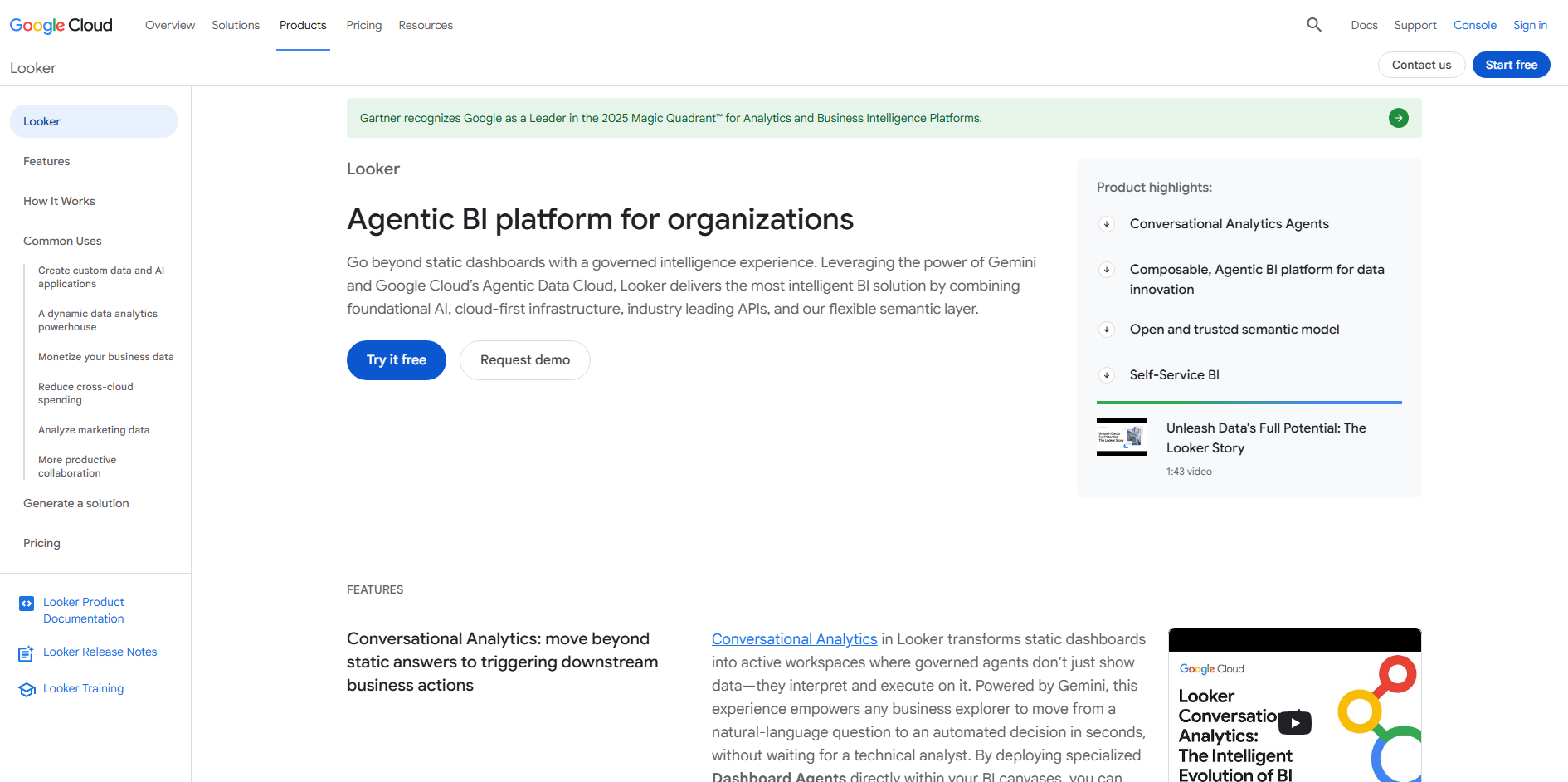
Google Cloud Looker is a strong choice for organizations that prioritize governed analytics, centralized data models, and integration with the Google Cloud ecosystem. Its conversational AI capabilities are designed to help users explore trusted business data while maintaining a consistent semantic layer.
Key Generative AI Features
- Conversational analytics: Looker Conversational Analytics allows users to ask questions about governed business data using natural language.
- LookML semantic layer: Looker’s semantic modeling layer helps define consistent business metrics and relationships before AI interacts with the data.
- AI-generated insights: Gemini-powered capabilities can help users analyze data, generate summaries, and explore business questions more naturally.
- Embedded analytics: Looker can embed analytics and AI-powered experiences into business applications and workflows.
Pricing
- Custom pricing: Looker does not publish a single standard per-user price for its full platform. Pricing depends on deployment, users, and product requirements.
- Google Cloud: Organizations already using Google Cloud can integrate Looker with their existing data and cloud infrastructure.
Best For
Data-driven enterprises: Organizations that need governed self-service analytics across large and complex datasets, particularly those already using Google Cloud, BigQuery, or other Google data services.
Qlik Cloud Analytics
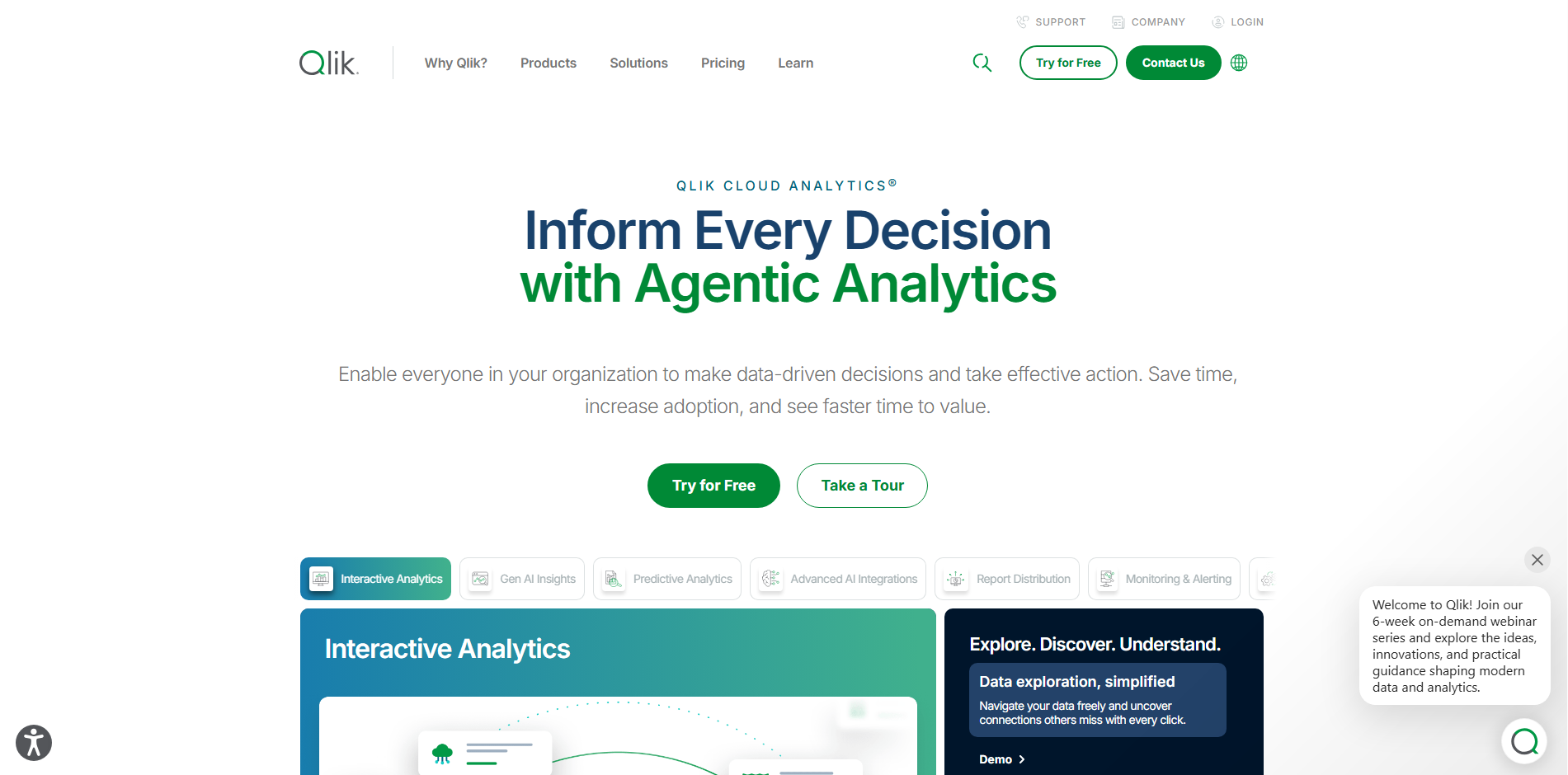
Qlik Cloud Analytics is a strong option for businesses that need self-service analytics, real-time insights, and AI-assisted data exploration. Its combination of associative analytics and AI helps users uncover relationships and trends across multiple data sources.
Key Generative AI Features
- Natural-language interaction: Qlik’s AI capabilities allow users to ask questions in natural language and explore business data conversationally.
- Automated insights: Qlik AutoML and AI-assisted analytics help identify patterns, trends, and potential drivers within data.
- Associative engine: Qlik’s associative technology allows users to explore connections across different datasets rather than following a predefined query path.
- AI-generated analysis: Qlik’s Insight Advisor can recommend visualizations, generate analyses, and surface relevant insights based on user questions.
Pricing
- Starter: Designed for smaller teams and self-service analytics.
- Standard: Adds broader analytics and data capabilities for growing organizations.
- Premium: Designed for larger and more complex enterprise deployments.
- Custom pricing: Exact pricing depends on users, capabilities, and deployment requirements.
Best For
Data-intensive organizations: Businesses that need to combine data from multiple sources and give users flexible, self-service access to real-time analytics.
ThoughtSpot
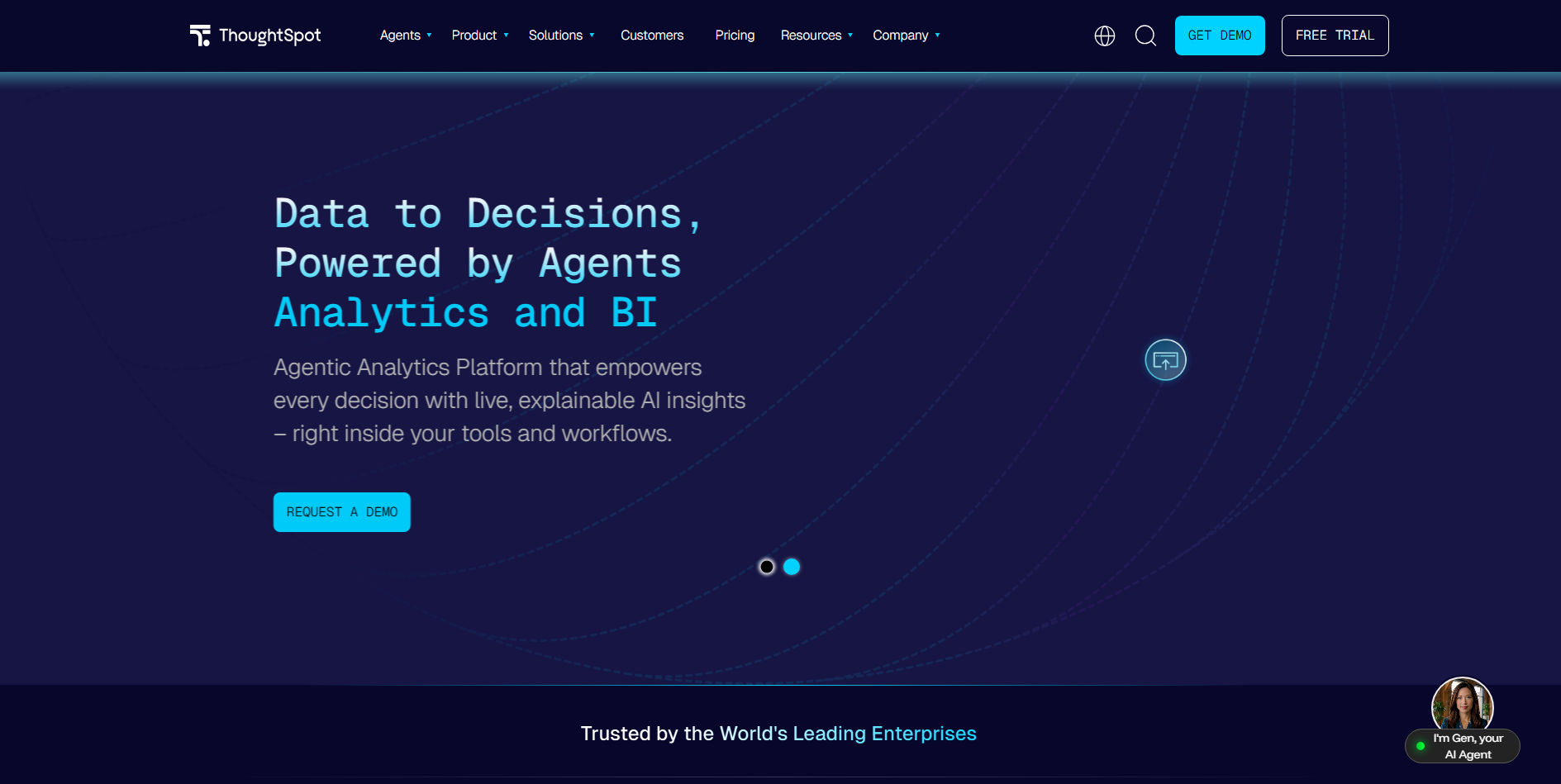
ThoughtSpot is built around search-driven and conversational analytics, making it a strong option for businesses that want non-technical users to explore data without relying heavily on analysts or predefined dashboards.
Key Generative AI Features
- Natural-language analytics: ThoughtSpot Spotter lets users ask business questions in natural language and receive data-driven answers.
- AI-generated insights: Spotter can analyze data, identify trends, and provide explanations in conversational responses.
- Follow-up questions: Users can continue a conversation to drill into results, change the analysis, or explore related business questions.
- AI-powered visualizations: ThoughtSpot can generate charts and visual answers based on natural-language requests.
Pricing
- Custom pricing: ThoughtSpot offers different plans based on users, analytics requirements, and deployment needs.
- Free trial: A trial option is available for organizations that want to evaluate the platform before deployment.
- Enterprise plans: Larger deployments can include additional governance, security, and administration capabilities.
Best For
Self-service analytics teams: Organizations that want business users to search, analyze, and explore data independently without depending on BI specialists for every question.
Snowflake Cortex Analyst
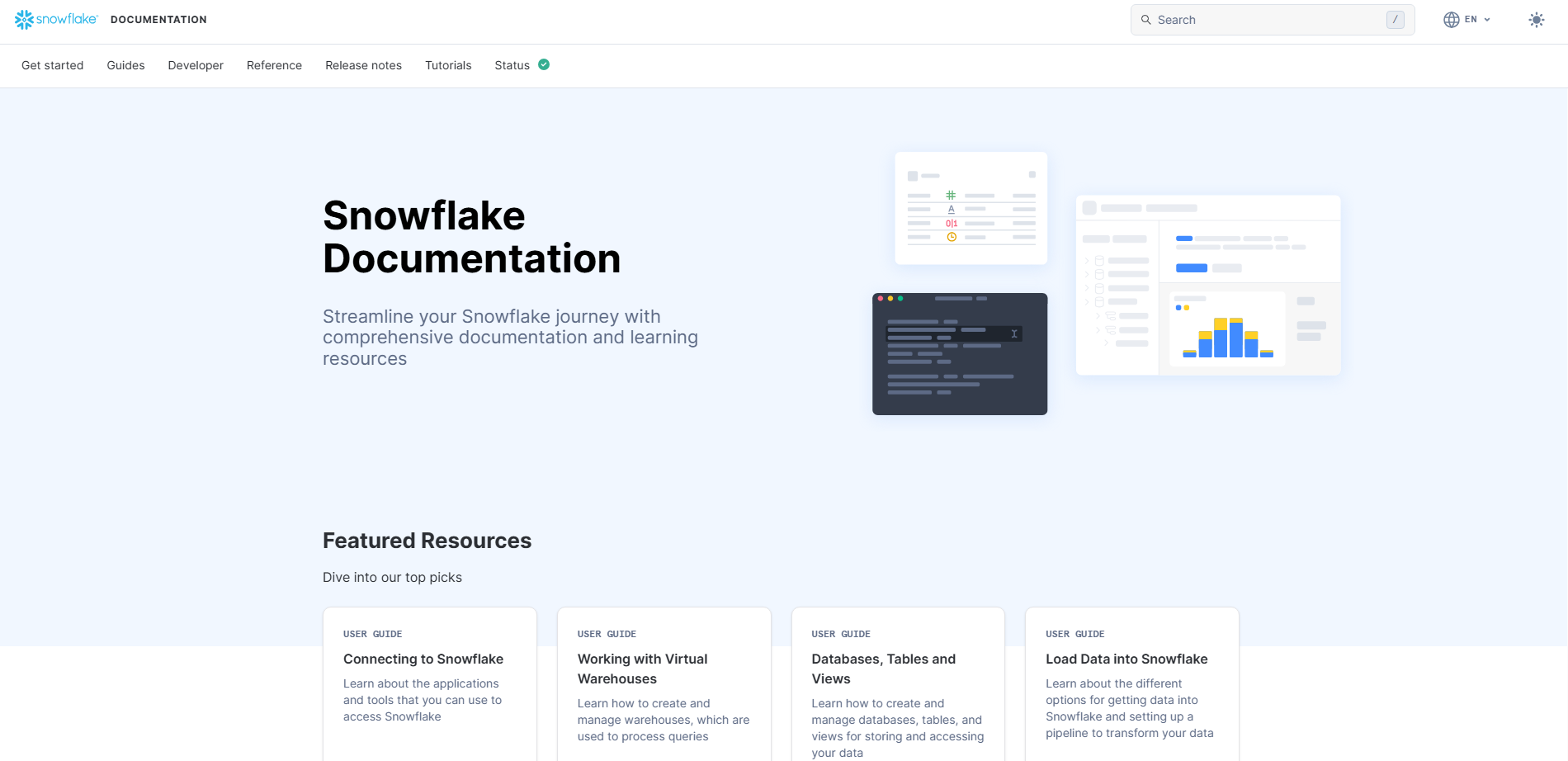
Snowflake Cortex Analyst brings generative AI directly into the BI experience, allowing business users to ask questions about enterprise data in natural language instead of writing SQL or relying entirely on pre-built dashboards. Its semantic layer helps translate business questions into more accurate, governed analytics.
Key Generative AI Features
- Natural-language BI: Users can ask business questions in plain language and receive data-driven answers without writing SQL.
- Conversational analytics: Users can ask follow-up questions to drill into results, compare metrics, and explore trends interactively.
- Semantic modeling: Semantic views provide business definitions for metrics and dimensions, helping AI generate more consistent BI answers.
- Automated SQL generation: Cortex Analyst converts natural-language questions into SQL and uses the results to support analytical responses.
- Business-user accessibility: The conversational interface makes Snowflake data more accessible to non-technical users without requiring them to understand the underlying data architecture.
Pricing
- Consumption-based: Cortex Analyst is priced through Snowflake consumption rather than a traditional fixed per-user BI license.
- Usage-dependent: Costs vary based on usage and the Snowflake resources supporting the workload.
- Snowflake required: The solution is designed for organizations already using or planning to use Snowflake.
Best For
Snowflake-centric enterprises: Organizations that want to add a conversational BI experience to their existing Snowflake environment and enable business users to explore data independently.
AWS QuickSight
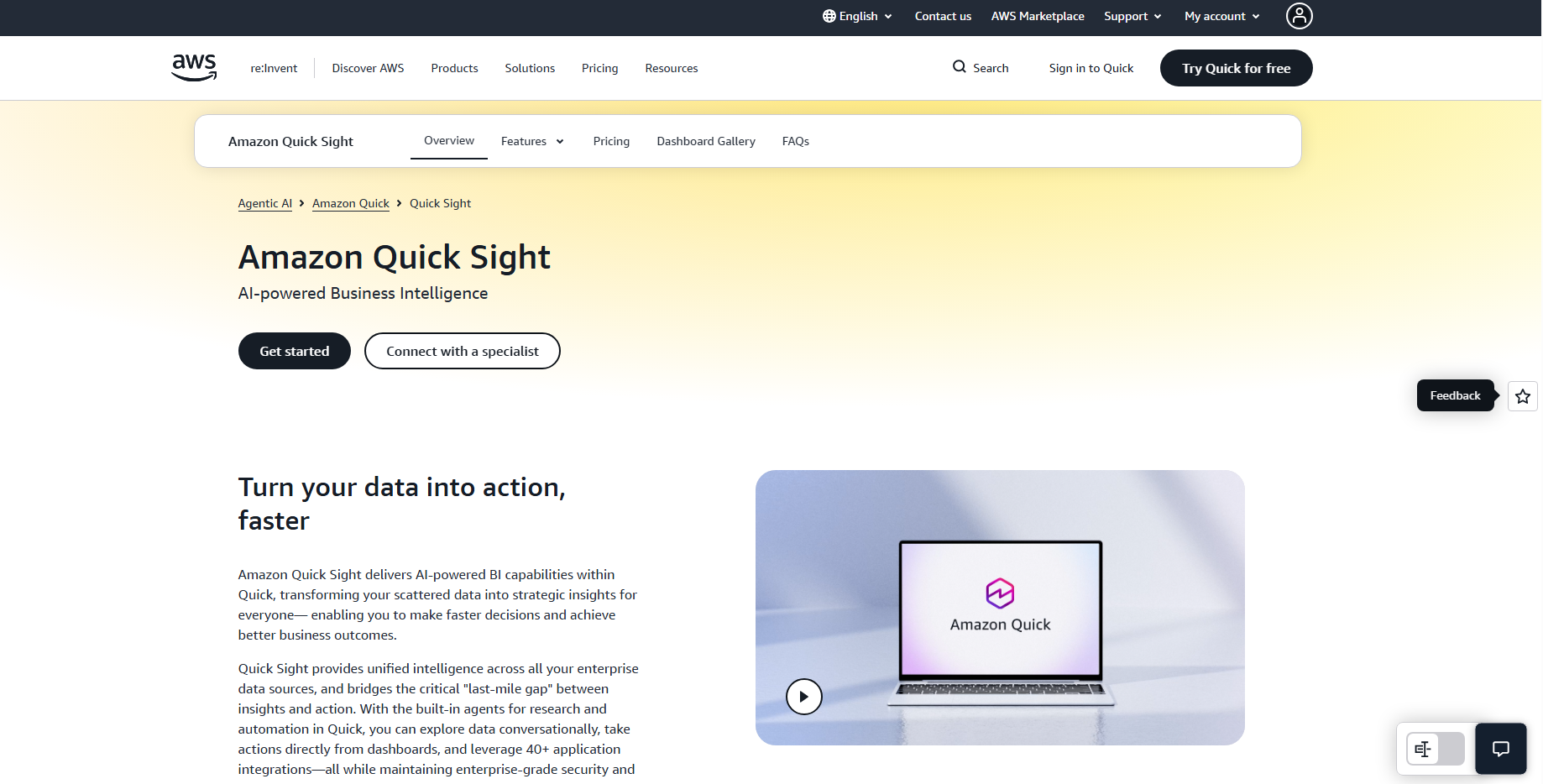
Amazon QuickSight is an AWS-native BI platform that combines interactive dashboards, self-service analytics, and generative AI. With Amazon Q in QuickSight, business users can explore data, generate insights, and create analytics using natural-language prompts.
Key Generative AI Features
- Natural-language BI: Amazon Q lets users ask questions about business data using natural language and receive analytical answers.
- Generative BI: Users can generate executive summaries, identify trends, and explore insights without manually building every analysis.
- Conversational analytics: Follow-up questions allow users to investigate metrics and drill into results through a conversational interface.
- AI-assisted authoring: Users can describe the analysis they need and use AI to help create visuals and dashboards.
- Embedded BI: QuickSight can embed dashboards and AI-powered insights directly into business applications.
Pricing
- Reader: Usage-based pricing for users primarily consuming dashboards and insights.
- Author: Per-user pricing for users who create and analyze BI content.
- Amazon Q: Generative BI capabilities are available through Amazon Q in QuickSight and may involve additional charges.
- Pay-as-you-go: AWS’s pricing model allows businesses to scale BI usage based on their requirements.
Best For
AWS-centric organizations: Businesses already using services such as Amazon Redshift, Amazon S3, or Amazon Athena that want to add generative AI capabilities to their BI environment.
Zoho Analytics
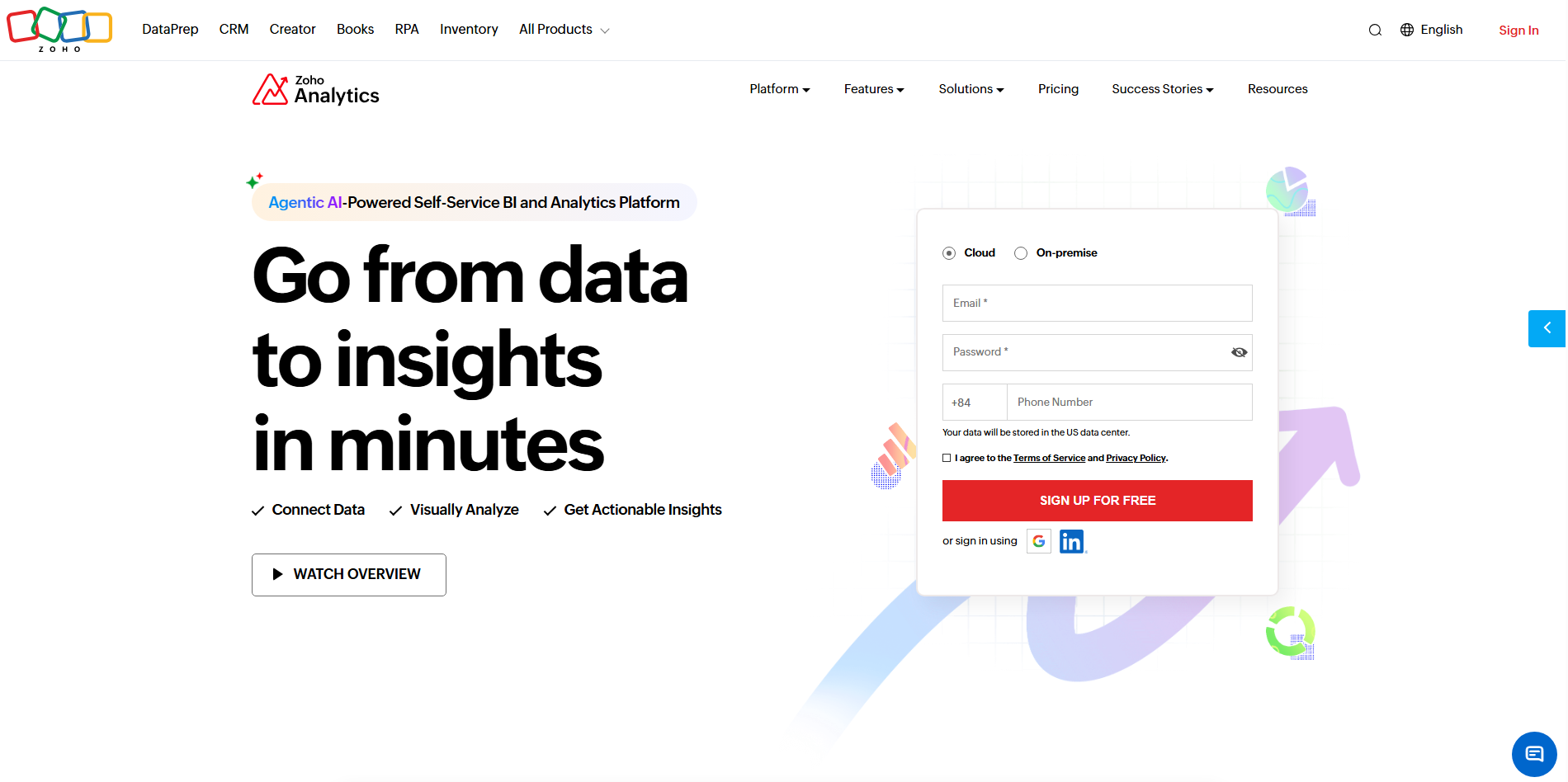
Zoho Analytics is a strong option for SMEs and growing businesses that want self-service BI, automated reporting, and AI-powered analytics without the complexity of larger enterprise platforms.
Key Generative AI Features
- Natural-language BI: Ask Zia allows users to query business data using natural-language questions.
- AI-generated insights: Zia can identify trends, anomalies, and patterns and present them through charts and analytical summaries.
- Automated reporting: AI-assisted analytics can help users generate reports and dashboards with less manual configuration.
- Conversational analytics: Users can ask follow-up questions to explore metrics and drill into business insights.
- AI-assisted data preparation: Zia can support data analysis and help users work with data from multiple business sources.
Pricing
- Free plan: Available for basic analytics with limited users and data capacity.
- Paid plans: Standard, Professional, Enterprise, and other plans provide increasing data, user, and analytics capabilities.
- AI features: Availability and usage limits for Zia-powered capabilities can vary by plan.
Best For
SMEs and growing businesses: Organizations looking for accessible, cost-effective BI with AI capabilities for sales, finance, marketing, operations, and management reporting.
FanRuan FineBI
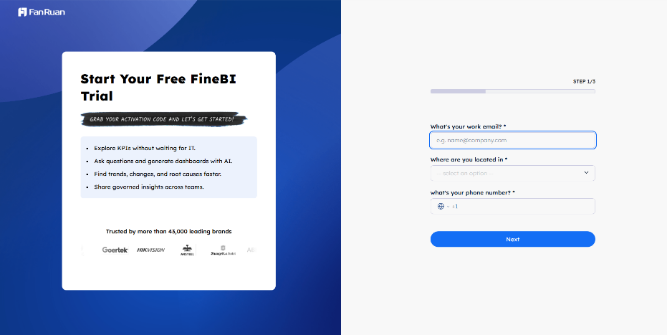
FineBI by FanRuan is a self-service BI platform designed to help business users analyze data, build dashboards, and generate insights with less dependence on technical teams. Its AI capabilities add natural-language interaction and automated analytical assistance to the BI workflow.
Key Generative AI Features
- Natural-language analytics: Users can interact with business data using natural-language questions to simplify data exploration.
- AI-assisted analysis: FineBI’s AI capabilities help identify trends, patterns, and potential insights from business data.
- Automated dashboarding: Users can build and customize dashboards with less manual development work.
- Self-service BI: Business users can explore data and create reports without relying entirely on IT or data analysts.
- AI-powered interaction: AI assistance can make analytical workflows more accessible to non-technical users.
Pricing
- Custom pricing: FineBI’s commercial pricing depends on deployment scale, users, and business requirements.
- Enterprise deployment: Organizations can discuss licensing and implementation options directly with FanRuan.
- Trial option: A trial/demo can be used to evaluate the platform before wider deployment.
Best For
Organizations seeking self-service BI: Businesses that need flexible dashboards, data visualization, and accessible analytics across sales, finance, operations, and management teams.
Sigma Computing
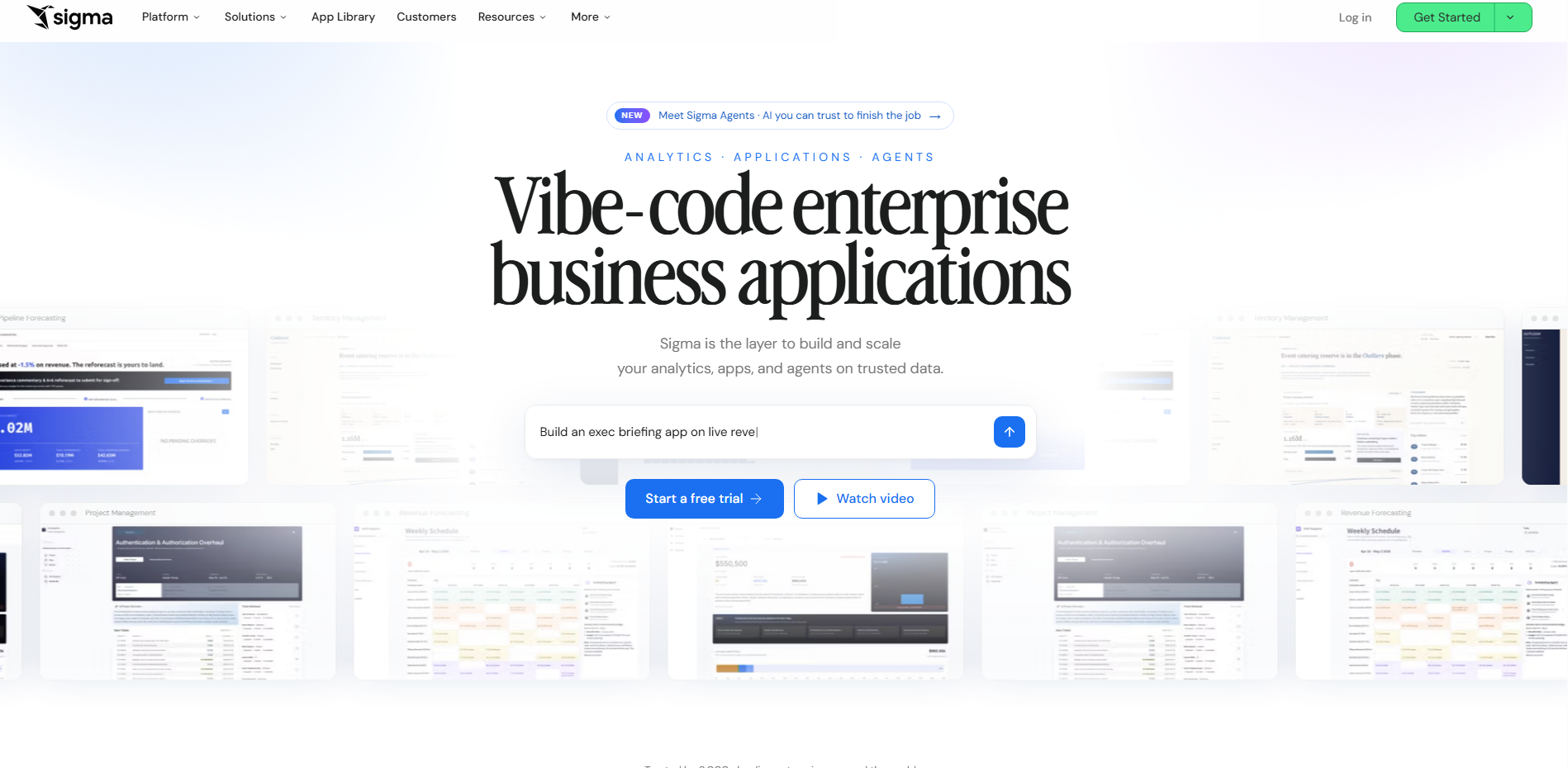
Sigma Computing is a cloud-native BI and analytics platform that combines spreadsheet-style analysis with modern cloud data warehouses. Its AI capabilities allow business users to explore data conversationally, generate analyses, and turn questions into actionable insights without relying entirely on SQL or predefined dashboards.
Key Generative AI Features
- Natural-language analytics: Sigma’s AI capabilities allow users to ask questions about business data using natural language.
- AI-assisted analysis: Users can use AI to explore datasets, identify trends, and accelerate analytical workflows.
- Conversational data exploration: Business users can interact with data through follow-up questions rather than creating every query manually.
- AI-assisted SQL: AI can help generate or refine SQL for users who need deeper analysis while reducing the technical barrier.
- Interactive BI: Sigma combines familiar spreadsheet-style workflows with dashboards and cloud-scale analytics.
Pricing
- Custom pricing: Sigma generally provides pricing based on business requirements, users, and deployment scale.
- Enterprise plans: Larger organizations can access additional governance, security, and administration capabilities.
- Cloud-based: Pricing and implementation depend on the organization’s data environment and selected capabilities.
Best For
Cloud data warehouse users: Organizations already working with Snowflake, BigQuery, Databricks, or other modern cloud data platforms that want flexible, self-service BI.
Implementation Best Practices: Getting Generative BI Right the First Time
Getting Generative BI right starts with the data and governance foundation, not the AI interface. For Hong Kong businesses, a controlled rollout can improve accuracy, adoption, and long-term value.
Build the Governed Semantic Layer Before the AI Layer
AI is only as reliable as the data and definitions behind it. Before enabling Generative BI:
- Standardize business definitions: Ensure metrics such as revenue, profit, and customer value have consistent definitions across systems.
- Create a governed semantic layer: Give AI access to trusted metrics, relationships, and business logic rather than ungoverned raw data.
- Set access controls: Restrict AI access according to user roles and data sensitivity.
- Validate data quality: Clean and reconcile key datasets before using them for AI-generated analysis.
Start With a Pilot, Not a Company-Wide Rollout
A controlled pilot reduces implementation risk and follows a similar principle to Hong Kong’s regulatory sandbox approach to GenAI.
- Choose one high-value use case: Start with a specific business problem such as management reporting, sales analysis, or financial forecasting.
- Limit the initial scope: Control the datasets, users, and business functions involved in the pilot.
- Define success metrics: Measure accuracy, time saved, user adoption, and business impact.
- Review AI outputs: Establish human oversight before allowing AI-generated insights to influence important decisions.
- Scale gradually: Expand to additional teams only after the pilot demonstrates consistent value.
Plan Trilingual Training and Change Management
Hong Kong’s multilingual workplace requires more than simply translating user manuals. Training should reflect how teams actually communicate and work with data.
- Support key languages: Prepare examples and training materials for English, Traditional Chinese, and Cantonese-oriented workflows.
- Teach effective prompting: Show employees how to ask precise business questions and refine AI responses.
- Standardize terminology: Establish consistent names for KPIs, departments, products, and other business terms.
- Train users to validate insights: Make human review part of the workflow, especially for financial or operational decisions.
- Track adoption: Monitor usage and feedback to identify where additional training or process changes are needed.
Generative BI Use Cases Across Industries in Hong Kong
Generative BI is moving from experimentation to practical business applications across Hong Kong. The following real-world cases illustrate how AI and BI are being used to automate reporting, improve data accessibility, and support faster decision-making across different industries.
Construction — Gammon Construction

Gammon Construction’s Tableau analytics implementation provides a strong Hong Kong example of how a governed BI foundation can improve data-driven decision-making.
- Real-time reporting: 120-page reports were consolidated into a single live dashboard.
- Data accessibility: The platform supports 800 active users across departments.
- Decision support: Role-specific data views help teams access relevant information more efficiently.
While this case predates today’s Generative BI capabilities, it demonstrates the data foundation businesses need before adding an AI layer.
Financial Services — CSOP Asset Management
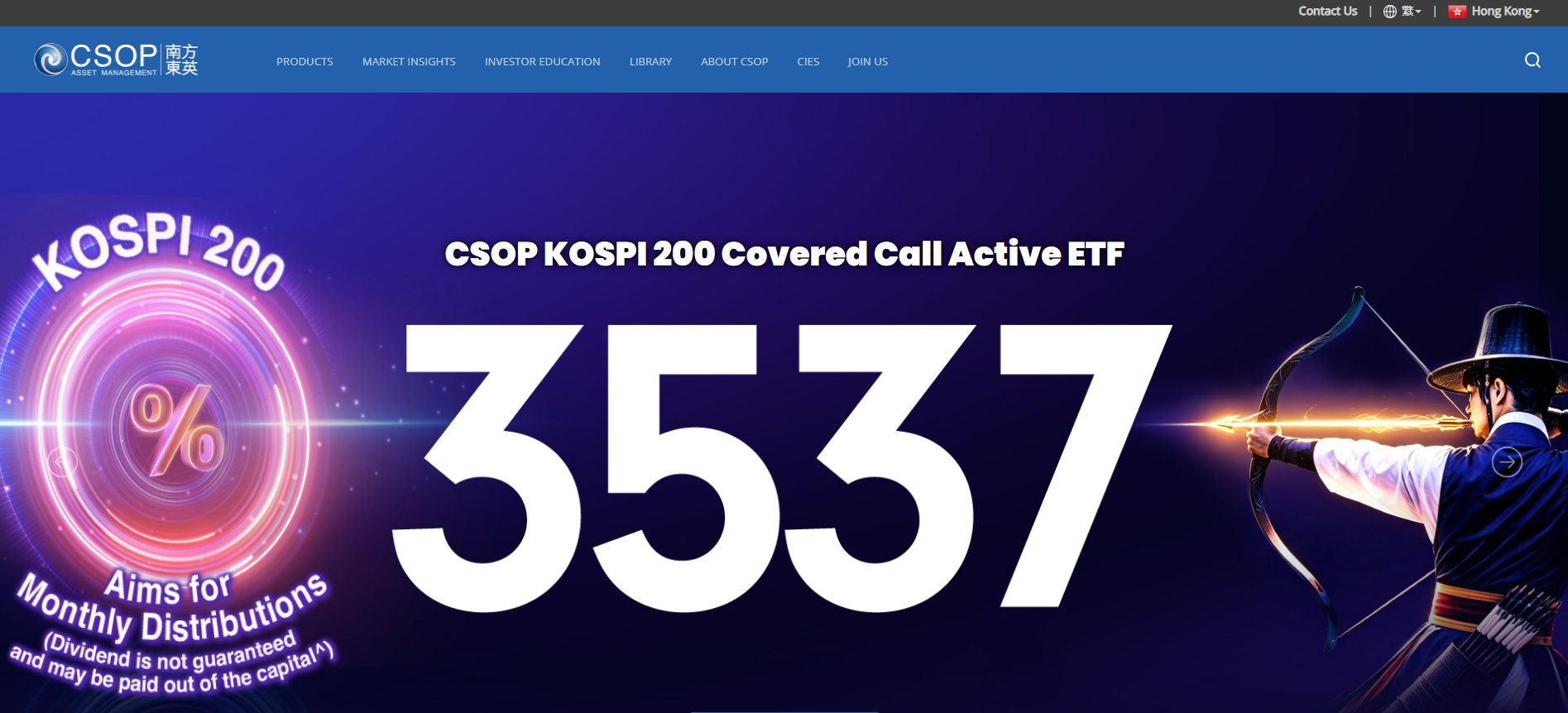
CSOP Asset Management’s AI-powered Intelligence Hub demonstrates how AI can streamline investment-related data and reporting workflows.
- ETF reporting: A report that previously took around 10 minutes can now be completed in 30 seconds, according to Microsoft.
- Trade-data extraction: AI extracts key information from trade confirmations across emails, PDFs, and Excel files.
- Investment analysis: AI analyzes stock charts and research reports to identify market trends and generate trading ideas for internal reference.
Transportation — MTR Corporation
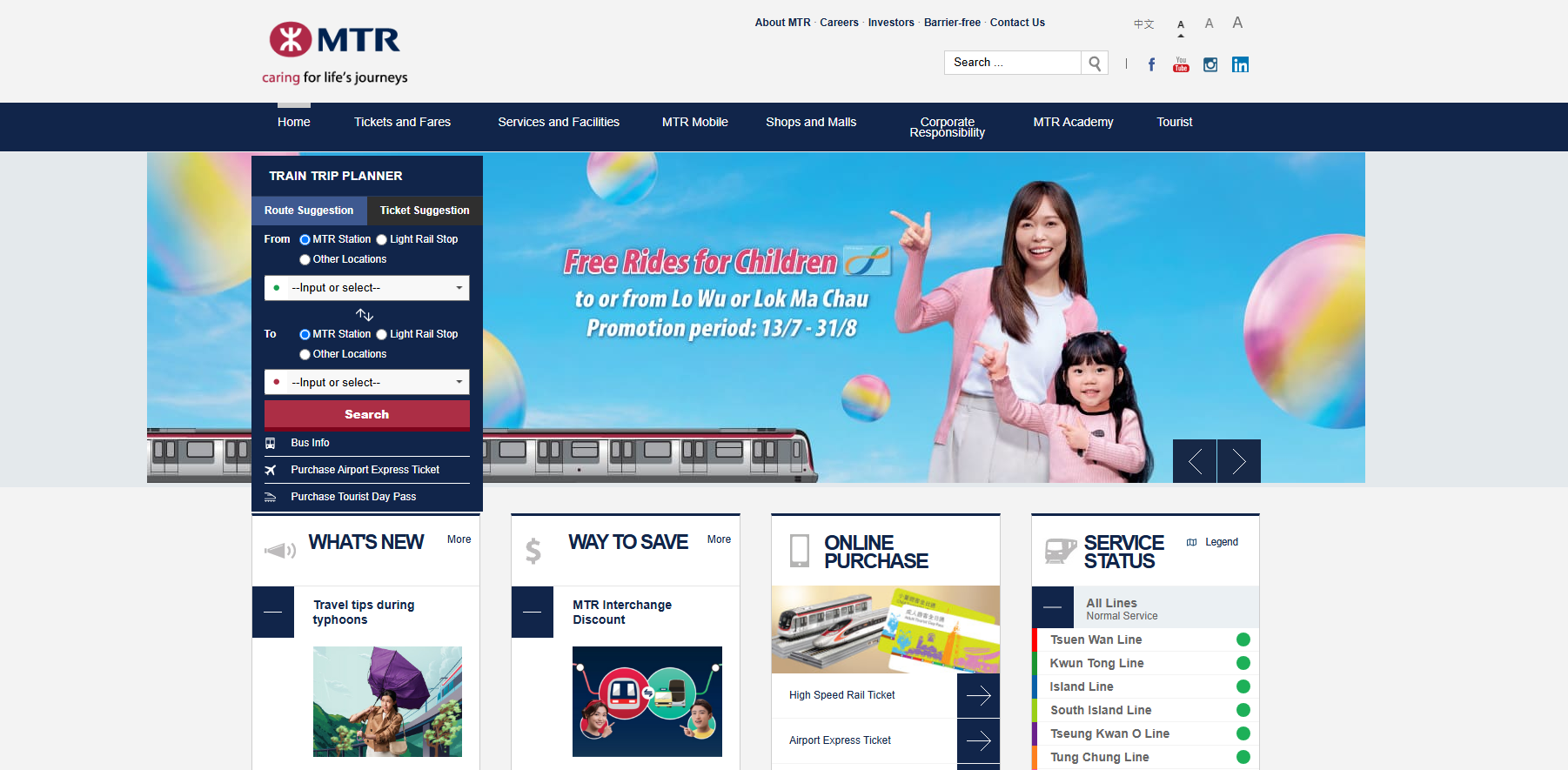
MTR Corporation’s Microsoft 365 Copilot and Power Platform implementation shows how Generative AI can support both frontline employees and customer-facing services.
- Operational support: A station staff chatbot provides access to approved procedures and work instructions.
- Customer service: AI Tracy helps passengers find information about ticketing, station facilities, and local amenities.
- Workforce productivity: Copilot helps employees summarize information, draft content, and reduce repetitive administrative work.
Future Trends of Generative BI
Generative BI is moving beyond basic Q&A toward more autonomous, real-time, and decision-focused analytics.
- AI Agents: Monitor KPIs, detect anomalies, and recommend actions automatically.
- Autonomous BI: Automate data preparation, dashboard creation, and reporting.
- Multilingual Analytics: Support more natural analytics across English and Chinese.
- Real-Time Insights: Analyze live data for faster operational decisions.
- Predictive & Prescriptive BI: Move from explaining what happened to predicting what comes next and recommending actions.
- Embedded AI: Bring AI-powered insights directly into CRM, ERP, and other business applications.
- Stronger AI Governance: Greater focus on accuracy, explainability, security, and regulatory compliance.
Frequently Asked Questions
1. What are the best Generative BI tools in Hong Kong?
The best tools depend on your business size, data infrastructure, AI needs, governance requirements, and budget.
2. Is Generative BI suitable for Hong Kong SMEs?
Yes. It can reduce manual reporting and let non-technical teams analyze data through natural-language queries.
3. Is Generative BI secure for sensitive business data?
Yes, when properly configured, but businesses should assess data governance, access controls, security, and data residency.
4. Can Generative BI support Chinese and Cantonese?
Some platforms support Chinese, but Cantonese capabilities vary. Testing with real business queries is recommended.
5. Can Generative BI replace data analysts?
No. It automates routine analysis, but analysts remain essential for validation, complex analysis, and business decisions.\
Conclusion
Generative BI is changing how Hong Kong businesses access and use data, making analytics faster, more conversational, and more accessible to non-technical teams. The 10 tools reviewed in this guide offer different strengths across AI capabilities, governance, pricing, integrations, and scalability, so the right choice depends on each business’s data environment and goals.\
Arestós helps businesses unlock the value of Generative BI by connecting AI-powered analytics with their existing data and workflows. Our Generative BI solutions are designed to make business insights easier to access while supporting scalable, practical data-driven decision-making.
Ready to make your business data more actionable? Contact us today.
Subscribe to our newsletter!
Get updated to
the lastest IT trends
Related Posts
Update the latest technology trends for your business