Back to featured insights
Agentic Commerce Readiness: Is Your HK Online Store Ready?
AI shopping agents don’t browse your storefront. They read your product data and buy from sellers they trust. Here’s a 5-step Agentic Commerce Readiness plan to make sure your Hong Kong store gets chosen, not skipped.
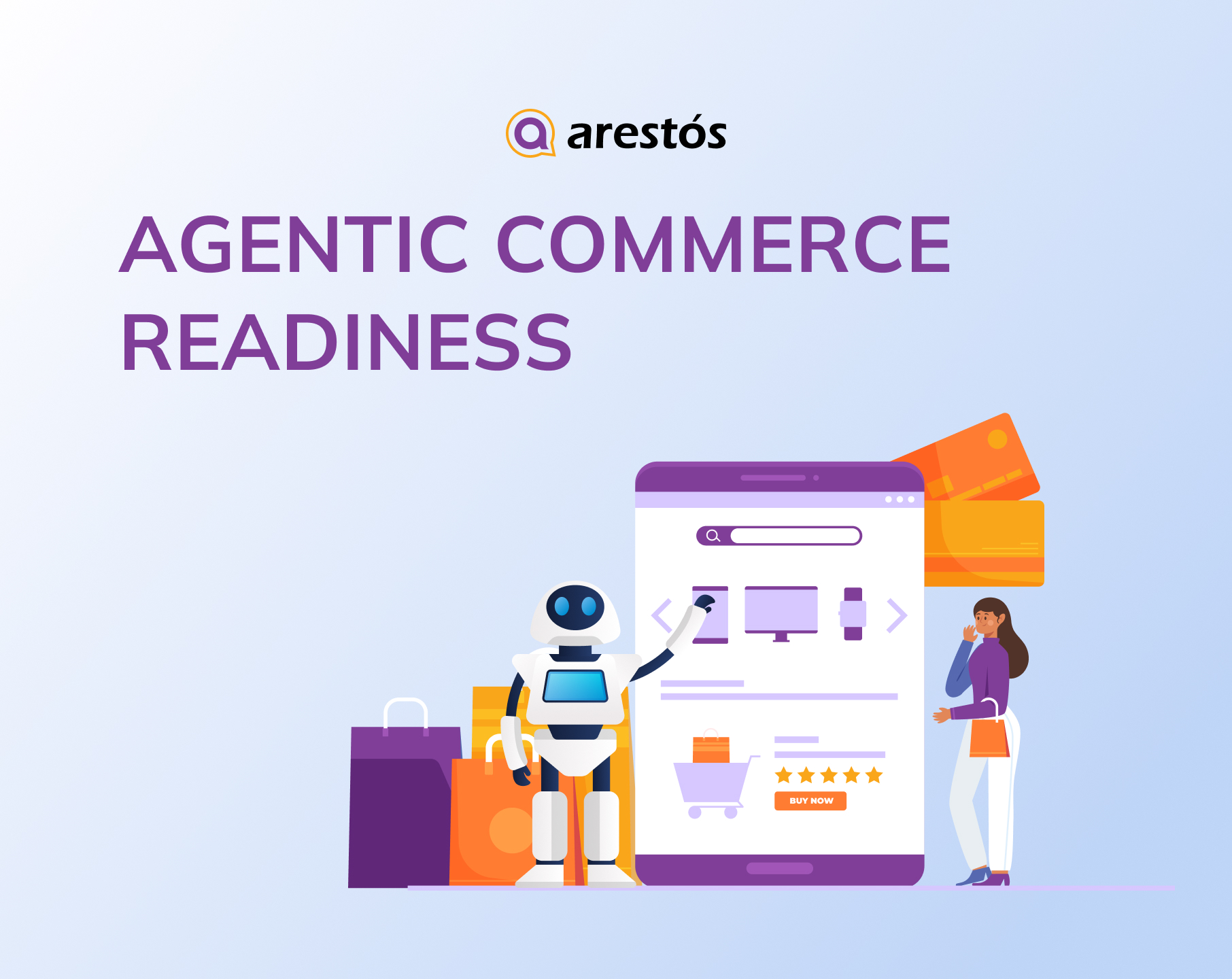
Table of Content
Share
A shopper in Hong Kong asks an AI assistant for “a waterproof hiking backpack under HK$800, delivered by Friday”. Seconds later, it suggests three options. It never opened a homepage; it compared product data from dozens of stores and picked the ones it trusted.
This is agentic commerce, and agentic commerce readiness is becoming a new test for every online store. McKinsey projects it could orchestrate $900 billion to $1 trillion of US B2C retail revenue by 2030, and $3-5 trillion globally (McKinsey). In Hong Kong, online retail sales grew 27.7% year on year in the first half of 2026 (Census and Statistics Department).
This guide shows you what AI agents look for, how to get a store ready in five steps, and who should do the work.
What Is Agentic Commerce?
Agentic commerce is shopping in which AI agents act on a consumer’s behalf, anticipating, personalising and automating steps of the purchase. The shopper describes the need; the agent does the legwork.
The difference from today’s e-commerce journey is simple:
- Today: the shopper searches, browses several sites, compares options and checks out.
- With agentic commerce: the shopper states the need; the agent searches, compares and, where supported, completes the purchase.
The Protocols Making It Real
Open protocols give agents a common language to browse a catalogue, build a cart and pay, without a custom integration for every store. Two standards lead today:
| Protocol | Led by | What it does |
|---|---|---|
| ACP (Agentic Commerce Protocol) | OpenAI, built with Stripe | Powers Instant Checkout inside ChatGPT; open source |
| UCP (Universal Commerce Protocol) | Google, co-developed with industry | Open standard; added Cart, Catalog and Identity Linking; onboarding via Merchant Center |
For most merchants, protocol support will come through their platform, payment provider or Merchant Center. What you control is the quality of your product data.
Why Agentic Commerce Matters for Hong Kong Businesses Now
- Autonomous buying is still early: only 11% of US consumers would let AI make purchase decisions, while 31% would let it narrow their choices for household supplies (Gartner).
- The near-term goal is the shortlist: Gartner advises brands to provide “transparent, reliable information, especially around price, product fit and recommendations.”
- Agents pick sellers on data, not design: when several merchants sell the same item, ChatGPT ranks them on availability, price, quality and Instant Checkout support.
- Hong Kong has a window to prepare: Instant Checkout launched in the US first, so local merchants can get their data ready before agent checkout arrives.
How AI Shopping Agents “Read” Your Online Store
Shoppers judge a store by its design and copy. Agents look past the storefront and read four signals.
Product feeds: The feed is the agent’s main machine-readable source, holding the title, description, price, availability, GTIN, images and variant IDs for every product. Google is moving UCP onboarding into Merchant Center, so the feed is becoming the gateway to agent checkout too. The most common gaps are missing GTINs, generic categories and availability that lags behind the site.
Structured data: Why Agentic Commerce Matters for Hong Kong Businesses NowSchema markup on each product page tells an agent exactly what it is looking at:
| Markup | What it tells an agent |
|---|---|
| Product and Offer | What the product is and what it costs |
| Product Group | Which variants belong to one parentGoogle: product variants |
| Merchant Return Policy | How returns workGoogle: return policy |
Markup only helps when it matches the visible page and the feed. If the three disagree, an agent has no reason to trust any of them.
Real-time price and stock: Agents increasingly check price and stock at the moment of the query, for example through UCP’s catalogue capability. A feed refreshed once a day cannot keep up with stock that changes every hour, and the result is failed orders, refunds and a store agents learn to avoid.
Machine-readable policies: Before buying for someone, an agent needs clear terms on shipping, returns and warranty. Google lets merchants publish these as structured data, site-wide or per product (Google Search Central), while a free-text FAQ page is easy to miss.
Put together, the same product page tells two very different stories:
| What a shopper sees | What an AI agent reads | |
|---|---|---|
| Hero banner and brand story | → | Product category and attributes |
| “Sale!” pop-up | → | Structured price and sale dates |
| Lifestyle photos | → | Variant group, GTIN and SKU |
| FAQ page about returns | → | Merchant Return Policy markup |
| “In stock” badge | → | Live inventory in the feed or API |
How to Make Your Store Agent-Ready: A 5-Step Action Plan
The five steps below turn this into work your team can schedule. Each builds on the one before.
Step 1: Audit Your Catalogue and Feed
Find out where your store stands with a short audit:
- Pick a sample. Take your 20 to 50 best-selling products, plus a few from each main category.
- Compare three sources. For each product, check price, stock, category, GTIN or SKU and variants on the live site, in the feed and in the structured data.
- Read the error reports. Merchant Center diagnostics and Search Console’s merchant listing reports show missing fields and invalid markup.
- Test the agent’s view. Ask an AI assistant for one of your products using a typical shopper prompt. Note whether your store appears and which details it quotes.
- Score and rank. Run the 10-question scorecard later in this article, then rank the gaps by impact, starting with errors on best-sellers.
The result is a prioritised gap list, with an owner and a target date for each item.
Step 2: Fix the Product Data Itself
Markup and integrations cannot fix bad data, so the records come first. Each field has a clear standard:
| Field | Standard | Example |
|---|---|---|
| Category | Most specific category available | “Women’s trail running shoes”, not “Shoes” |
| Attributes | Size, colour, material, dimensions, compatibility; consistent units | “EU 38”, “Navy”, “Recycled polyester” |
| Identifiers | Supplier GTIN, or brand + manufacturer part number; unique SKU per variant | One SKU per size and colour |
| Title | Brand, product type, key attributes; no marketing claims | “Brand X Women’s Trail Running Shoe, Waterproof, Navy” |
| Variants | One parent, each variant with its own SKU, price and stock | 3 colours × 4 sizes = 12 variants |
| Language versions | English and Traditional Chinese updated together from one source | Same price, size chart and specs |
Work in order of impact: best-sellers first, then products in upcoming campaigns, then the long tail.
Step 3: Make the Data Machine-Readable
Once the data is clean, publish it so agents can read it without guessing:
| Element | What to include |
|---|---|
 Product and Offer markup |
Name, brand, GTIN or SKU, price in HKD and availability on every product page |
 Product Group markup |
The attributes that vary, such as size and colour, with each variant under one parent |
 Policy markup |
Return and shipping policies, site-wide with product-level overrides and the country they apply to |
 Product feed |
The same product IDs, variant IDs and values as the markup |
Test pages with Google’s Rich Results Test at launch, and again after every theme or plugin update.
Step 4: Keep Price and Stock in Sync
Because agents check price and stock at the moment of the query, the data has to stay current. That depends on the right systems and a few clear rules.
Systems to connect
- ERP or POS inventory linked to the online store, so in-store sales update online stock automatically
- A feed refreshed as often as stock changes, or a real-time API where the platform supports it
- Alerts for products shown as in stock with zero inventory, and for price mismatches between site and feed
Rules to agree: price changes go live the same day, and stock updates within hours. Sale dates are entered before each campaign starts, and site, feed and schema are checked before and after every major campaign.
Step 5: Assign Daily Ownership
Without an owner, the first four steps slip within weeks. Make one person, usually an e-commerce website administrator, responsible for product data and feeds. Marketing sends changes through them, developers handle code and integrations, and the owner reports monthly to the CTO or COO on score, fixes and open issues. Their routine looks like this:
| Daily | Weekly | Each campaign | Monthly |
|---|---|---|---|
| Review new products, stock alerts and price changes | Clear feed and structured data errors | Check sale prices and dates before launch and after it ends | Re-run the scorecard and the AI assistant test from Step 1 |
Who Should Do the Work? Comparing Your Options
Readiness needs a one-off setup and daily upkeep. Here is how the three common options compare:
| Criteria | In-house team | Agency project | Dedicated e-commerce administrator |
|---|---|---|---|
| One-off setup | Strong if the skills already exist | Strong; this is what agencies do best | Works alongside your developers |
| Daily upkeep | Competes with other priorities | Usually not included after handover | The core of the role |
| Coverage | Office hours | Project period only | Extended hours or 24/7 |
| Cost structure | Salaries, hiring and training | One-off project fee | Predictable monthly fee |
| Control | Full | Limited after handover | Full; works inside your workflow and permissions |
| Main risk | Gaps during leave or staff turnover | Data drifts once the project ends | Needs clear access rules from day one |
| Best for | Large teams with spare capacity | Stores needing a fast technical setup | Stores that want continuous accuracy |
Rule of thumb: if setup is the gap, use an agency or in-house developer. If upkeep is the gap, as it is for most stores after launch, a dedicated administrator fits better. Many businesses use both.
The Agentic Commerce Readiness Checklist
A store is agent-ready when its catalogue is complete, consistent and machine-readable. Use this checklist to confirm the action plan is done, or as a quarterly review:
- Product data: every product sits in a specific category, has size, colour, material, dimensions and compatibility filled in, carries a GTIN (or brand plus manufacturer part number) and a unique SKU, and uses a literal title.
- Variants: colours and sizes are grouped under one parent, each with its own SKU, price and stock, so agents do not see one T-shirt as 12 separate products.
- Policies and trust: shipping and return policies are published as structured data with the country they apply to, warranty terms are stated on the page rather than in a PDF, and reviews are visible.
- Integration: catalogue and inventory can be reached by API, orders sync automatically with ERP or POS, and feed and schema errors are fixed as part of a routine.
Finally, the same facts must match wherever an agent looks:
| Data point | Must match across | Update speed |
|---|---|---|
 Price |
Site, feed, schema, marketplaces | Same day |
 Stock |
Site, feed, ERP/POS | Within hours |
 Sale dates |
Site, feed, schema | Before the campaign starts |
Hong Kong-Specific Readiness Challenges
Most guides are written for single-language Western markets. Hong Kong stores face three extra problems:
- Bilingual product data: most stores run in English and Traditional Chinese, often updated separately, so prices and specs drift apart. An agent may read either version, so keep one source of truth and update both languages together. This also helps bilingual e-commerce SEO in Hong Kong and bilingual WooCommerce search.
- Seasonal promotions and HKD pricing: busy campaigns are when price mismatches are most likely. Check site, feed and schema before each campaign starts and again after it ends.
- Omnichannel stock: if a shop sells the last unit while the website still shows it in stock, an agent may sell something you cannot ship. Real-time ERP and inventory sync prevents this; until it is in place, set safety stock for fast-selling items.
The Real Bottleneck Is Operations, Not Technology
Most stores can get the setup right. Few keep it right. That makes readiness an operations problem.
What Is Data Drift?
Data drift is the growing gap between what your data says and what is true. It creeps in through everyday work:
| Cause | Example |
|---|---|
| Price change | Campaign price updated on the site but not in the feed |
| Stock-out | Item sold out in store, still “in stock” online |
| Plugin update | A theme or plugin update breaks product schema |
| New SKU | Product added without GTIN or category |
| Translation lag | Chinese page missing the latest specs |
What Data Drift Costs You
- Ranking: agents weigh availability, price and quality when choosing between sellers, so stale data hands the sale to a competitor.
- Trust: Gartner found that 54% of recent AI-assisted shoppers had to double-check all the information they were given. Wrong data gives them a reason to look elsewhere.
- Operations: failed orders lead to refunds, support tickets and wasted ad spend.
Who Owns Agent-Readiness?
Every team has a part to play, but one role has to own the data:
- Marketing supplies product copy and campaign prices, but does not edit feeds directly.
- Developers build the schema, feed plugins and integrations.
- IT keeps hosting, security and access control in place.
- An e-commerce website administrator owns product data day to day, covering attributes, translations, feed errors, policies and monitoring. Setting up WooCommerce user roles and permissions properly means each role edits only what it owns.
If no one owns product data every day, readiness lasts weeks, not years.
How Arestós Helps You Stay Agent-Ready
Setting up an agent-ready store is a project; keeping it ready is a daily job. Arestós provides a dedicated e-commerce website administrator to do that job, so your team can focus on growth.
Your administrator takes care of:
- Product data and bilingual updates across English and Traditional Chinese
- Feed and structured data error fixes
- Price and stock checks before and after every campaign
- Monitoring with extended or 24/7 coverage
They work inside your workflow and permissions, so you stay in control.
Not sure where to start? Request a free Agentic Commerce Readiness Audit, or download the checklist.
Frequently Asked Questions
1. What is agentic commerce in simple terms?
Agentic commerce is shopping in which AI agents act on a shopper’s behalf. Instead of searching and comparing stores themselves, shoppers tell an AI assistant what they want, and the agent finds, compares and, where supported, buys the product for them.
2. Is agentic commerce available in Hong Kong yet?
Agent checkout features such as ChatGPT’s Instant Checkout launched in the US first. However, AI tools already shape which products Hong Kong shoppers see and compare, so stores that prepare their product data now will be ready when checkout features arrive locally.
3. Will customers really let AI buy for them?
Not many yet. Gartner found only 11% of US consumers would let AI make purchase decisions, while more would let it narrow their choices. For now, the priority is getting onto the AI’s shortlist; full autonomous buying will follow as trust grows.
4. What product data do AI shopping agents need?
Agents need complete product attributes, specific categories, GTINs or SKUs, variants grouped under one parent product, real-time price and stock, and shipping and return policies published as structured data. Missing or conflicting data makes a store less likely to be recommended.
5. How is agentic commerce different from AI SEO (GEO/AEO)?
GEO and AEO focus on getting cited by AI search, so that AI tools quote your content in their answers. Agentic commerce goes a step further: it is about AI agents choosing and buying your products. Both depend on clear, structured, trustworthy data.
6. Who should own agent-ready product data?
One named person should be accountable for product data every day. In most stores this is an e-commerce website administrator who maintains attributes, translations, feeds and policies, while marketing, developers and IT support their own parts of the setup.
Conclusion
AI shopping agents read data, not storefronts, and choose sellers they can trust. Hong Kong stores also face bilingual, seasonal and inventory risks that global guides miss.
Readiness does not need a rebuild. It comes down to five steps: audit, fix, structure, sync and own. If you want a team to keep your store agent-ready every day, contact us to talk to an Arestós e-commerce specialist.
Related Posts
Update the latest technology trends for your business