Back to featured insights
CMS WordPress vs Other CMS Platforms: A Selection Guide for Hong Kong Businesses
This guide helps Hong Kong businesses understand why CMS WordPress is a top choice. Compare it with other platforms and discover its advantages for building effective, flexible, and scalable websites.
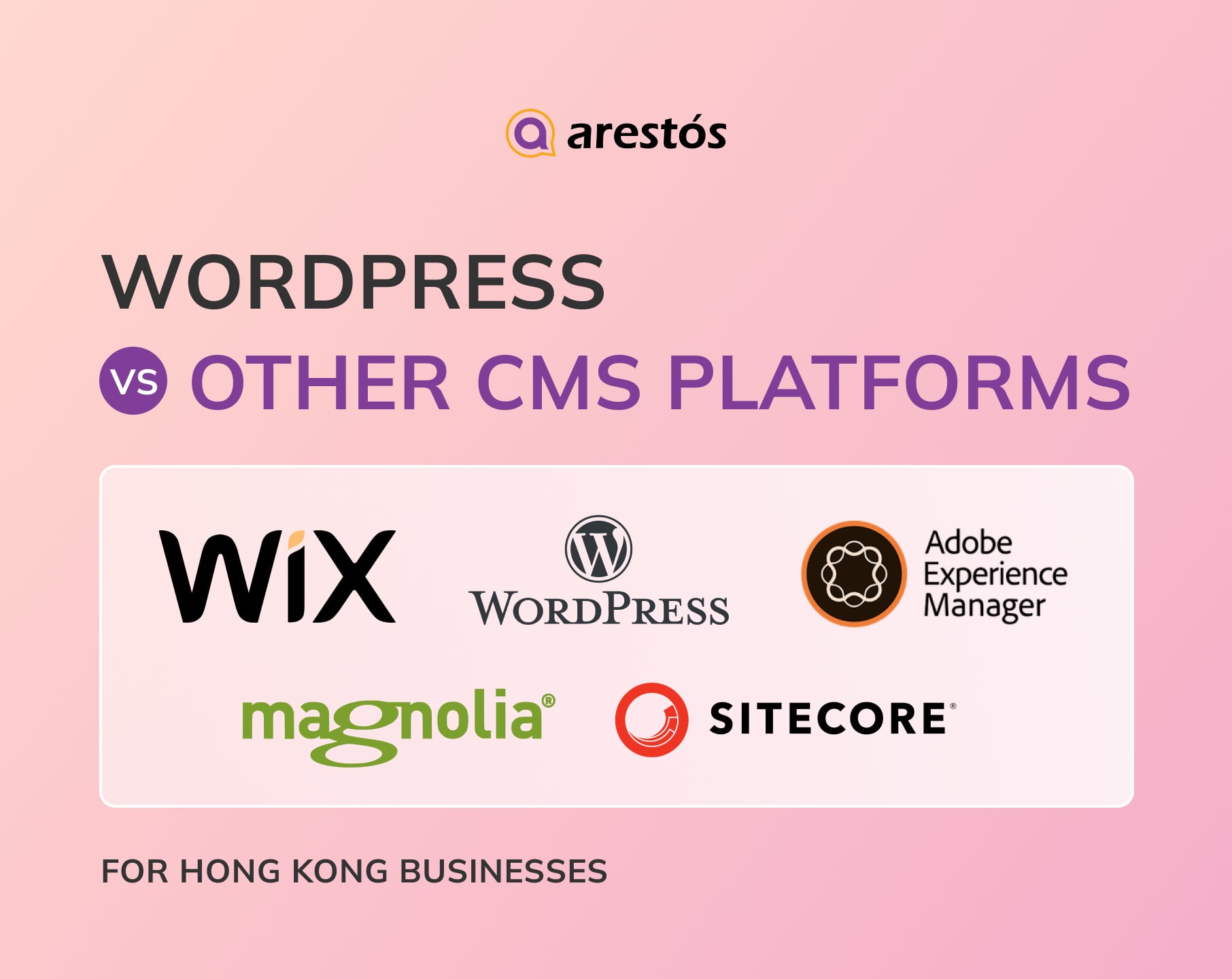

Table of Content
Share
CMS WordPress has become one of the most popular platforms for businesses looking to build and manage their websites efficiently. In today’s digital-first world, choosing the right content management system is crucial for establishing a strong online presence.
For Hong Kong businesses, the decision can be challenging due to the variety of CMS platforms available, each with its own strengths and limitations. This guide explores why CMS WordPress stands out among other platforms, comparing its features, flexibility, and benefits to help businesses make an informed choice.
What is a CMS?
A Content Management System (CMS) is a software platform that allows users to create, manage, and modify digital content on a website without needing extensive coding knowledge. CMS platforms provide a user-friendly interface, pre-built templates, and tools for publishing, organizing, and optimizing content efficiently.
Key Features of a CMS:
- Content Creation & Editing: Easily add or modify text, images, videos, and other media.
- Template & Design Management: Use pre-designed templates or customize layouts to match branding.
- SEO & Analytics Tools: Built-in or plugin-supported tools to optimize for search engines and monitor performance.
- User & Role Management: Assign permissions to different team members for content creation, editing, or publishing.
- Scalability & Extensions: Support for plugins, integrations, and multi-site management to grow with your business.
Essential Criteria for Choosing the Right CMS Platform
Selecting the right CMS platform is a critical decision for businesses in Hong Kong, as it impacts efficiency, scalability, security, and overall digital strategy. Here are the essential criteria to consider:
- Ease of Use: A user-friendly interface allows teams with different technical backgrounds to create and manage content efficiently, reducing training time and operational complexity.
- Scalability: Choose a CMS that can grow with your business, supporting more pages, higher traffic, and advanced functionalities as your enterprise expands.
- Integration Capabilities: Modern businesses rely on tools like CRM, ERP, and marketing automation. A CMS that integrates seamlessly with these systems enhances workflow and data consistency.
- Security: Robust security features, including access control, encryption, and regular updates, are essential to protect sensitive business and customer data.
- Cost: Consider both initial setup and ongoing maintenance costs. A cost-effective CMS should fit your budget while supporting growth.
- Technical Architecture: Ensure the CMS aligns with your existing technology stack (e.g., PHP, JavaScript, .NET) to avoid integration issues.
- Multi-site & Multilingual Support: For businesses operating in multiple regions or languages, CMS support for multi-site management and multilingual content is crucial.
- Deployment Model: Choose between cloud, on-premises, or hybrid deployment depending on your business needs, scalability requirements, and regulatory compliance.
- Access Speed: Fast-loading websites improve user experience and SEO rankings. CMS with CDN support ensures global accessibility.
- Analytics & Reporting: Built-in analytics or easy integration with analytics tools allows tracking performance, user behavior, and content effectiveness.
- Mobile Responsiveness: With increasing mobile traffic, a CMS must support responsive design to provide a seamless experience across devices.
- Support & Community: A large developer community and reliable customer support ensure access to troubleshooting, updates, and best practices.
- Extensibility & Plugins: The ability to extend functionality via plugins or extensions allows businesses to customize the CMS according to evolving needs.
5 Best CMS Platforms for Hong Kong Businesses
When it comes to building a strong online presence, Hong Kong businesses need a CMS that balances usability, scalability, and advanced features—here are the five best platforms to consider.
CMS WordPress

Overview
WordPress is the world’s most popular open-source content management system (CMS), powering over 40% of websites globally. It is widely used by businesses in Hong Kong for blogs, corporate websites, and e-commerce stores due to its flexibility, scalability, and strong community support. WordPress allows both beginners and experienced developers to build customized websites with ease.
Key Features
- Extensive Plugin Ecosystem: Thousands of plugins for SEO, eCommerce, security, and more.
- Theme & Design Flexibility: Thousands of free and premium themes for different industries.
- SEO-Friendly: Built-in tools and plugins like Yoast SEO enhance search engine rankings.
- Multilingual & Multi-Site Support: Manage multiple sites and languages efficiently.
- E-Commerce Integration: Compatible with WooCommerce for online stores.
- User Role Management: Assign roles such as admin, editor, or contributor for workflow control.
- Regular Updates & Community Support: Strong global community and frequent updates ensure security and stability.
Pros
- Highly customizable and flexible for any type of website.
- Easy to use for non-technical users while still powerful for developers.
- Cost-effective, open-source platform with affordable hosting options.
- Strong SEO and marketing capabilities.
- Large support community and extensive documentation.
Cons
- Requires regular updates and maintenance to ensure security.
- Can be vulnerable to cyber attacks if plugins/themes are poorly managed.
- Performance can slow down with too many plugins or heavy content.
- Some advanced customizations may require coding knowledge.
Wix

Overview
Wix is a cloud-based website builder that allows users to create websites quickly using drag-and-drop functionality. It is ideal for small businesses, startups, portfolios, and personal websites in Hong Kong that require a simple, visually appealing online presence without complex technical setup.
Key Features
- Drag-and-Drop Editor: Easy website building without coding.
- Templates Library: Hundreds of professionally designed templates for various industries.
- App Market: Add functionality through apps for forms, bookings, marketing, and more.
- SEO Tools: Built-in SEO features to improve search engine rankings.
- Mobile Optimization: Templates automatically responsive for mobile devices.
- Wix ADI (Artificial Design Intelligence): Automatically creates a website based on user input.
- E-Commerce Support: Basic online store capabilities for small businesses.
Pros
- Extremely easy to use for beginners.
- Quick website setup with no coding required.
- Beautiful design templates suitable for creative businesses.
- Built-in hosting and SSL included.
- Good for small sites, portfolios, or personal websites.
Cons
- Limited customization and flexibility compared to WordPress.
- Not ideal for large-scale or complex websites.
- E-commerce features are basic and may not scale with growth.
- Migration to another platform can be challenging.
Magnolia

Overview
Magnolia CMS is an enterprise-grade, Java-based content management system designed for large-scale websites, multi-site deployments, and complex digital experiences. It supports both traditional and headless architectures, making it suitable for businesses in Hong Kong that need high customization, scalability, and integration capabilities.
Key Features
- Headless & API-First Architecture: Supports REST & GraphQL APIs for multi-channel content delivery.
- Multi-Site & Multi-Language Support: Manage multiple websites and languages from a single system.
- Personalization & Targeting: Display content based on user behavior and preferences.
- Workflow & Collaboration Tools: Manage content approval and team collaboration effectively.
- Extensibility & Modular Architecture: Create custom modules and templates tailored to business needs.
- Integration Capabilities: Easily integrate with CRM, ERP, marketing automation, and other enterprise systems.
- Digital Asset Management (DAM): Efficiently manage images, videos, and other media assets.
Pros
- Highly flexible and scalable for enterprise-level projects.
- Strong support for multi-site and multilingual content.
- Headless + API architecture enables modern frontend integration.
- Advanced personalization and targeting features.
- Professional workflow and content management tools.
- Efficient media and digital asset management.
- Secure and stable for large organizations.
- Deep customization options for complex business needs.
Cons
- Steep learning curve for non-technical users.
- Higher licensing, deployment, and maintenance costs compared to open-source CMS.
- Smaller plugin/extension ecosystem than WordPress.
- Admin interface may be less intuitive for content teams.
- Overkill for small or simple projects.
Sitecore

Overview
Sitecore is an enterprise-grade Digital Experience Platform (DXP) and CMS designed for large organizations, multi-site deployments, and complex digital experiences. It supports both traditional and headless architectures, offering advanced personalization, marketing automation, and multi-channel content delivery. Sitecore is ideal for Hong Kong businesses that need high customization, scalability, and integration with other enterprise systems.
Key Features
- Headless & Traditional CMS: Supports both traditional and API-first architectures.
- Personalization & Marketing Automation: Tailor content and marketing campaigns based on user behavior.
- Multi-Site & Multilingual Support: Manage multiple websites and languages from a single platform.
- Digital Asset Management (DAM): Efficiently manage images, videos, and other media assets.
- Integration Capabilities: Connect easily with CRM, ERP, analytics, and third-party tools.
- Security & Enterprise-Grade Stability: Robust architecture suitable for large organizations.
Pros
- Strong personalization and marketing automation capabilities.
- Ideal for enterprise-level, multi-site, and multilingual websites.
- Flexible integration via APIs and third-party connectors.
- Effective media and asset management.
- Secure and stable for large-scale organizations.
- Scalable to handle complex workflows and high traffic.
Cons
- High licensing, implementation, and maintenance costs.
- Complex setup requires skilled technical staff.
- Longer deployment and customization time.
- Overkill for small or simple websites.
- Less user-friendly for non-technical content teams.
Adobe Experience Manager (AEM)

Overview
Adobe Experience Manager (AEM) is an enterprise-grade CMS and Digital Experience Platform (DXP) designed for large-scale websites, multi-site deployments, and complex digital experiences. It combines web content management and digital asset management, enabling businesses to manage content and media assets from a single platform. AEM supports both traditional and headless architectures and is ideal for Hong Kong enterprises requiring advanced customization, scalability, and integration with other enterprise systems.
Key Features
- CMS + DAM Integration: Manage both website content and digital assets (images, videos, documents).
- Hybrid / Headless & Omnichannel Delivery: Publish content across websites, mobile apps, IoT, and other channels via API.
- Template & Component-based Page Building: Reusable components and templates, with WYSIWYG editor for non-technical users.
- Personalization & Marketing Automation: Tailor content and campaigns based on user behavior; integrate with analytics and marketing tools.
- Scalability & Enterprise Performance: Handle high traffic, multiple sites, and complex workflows.
- Media & Asset Management (DAM): Asset library, metadata, versioning, and multi-channel delivery.
- Multi-site & Multilingual Support: Manage multiple sites and languages from one platform.
Pros
- Comprehensive CMS + DAM + multi-channel delivery + marketing integration.
- Flexible for both headless and traditional architecture.
- Reusable content and media assets save time and effort.
- Supports complex content and media workflows.
- Strong personalization and marketing capabilities.
- Scalable and enterprise-ready for large websites and high traffic.
Cons
- High licensing, implementation, and maintenance costs.
- Complex setup requires skilled technical staff.
- Long deployment and customization time.
- Overkill for small or simple websites.
- Admin interface can be challenging for non-technical users.
Future Trend: AI-Powered for CMS WordPress
As WordPress continues to dominate the CMS landscape, AI technologies are transforming how websites are built, managed, and optimized, offering smarter, faster, and more personalized experiences for users and businesses alike.
- AI-Assisted Content Creation: AI tools can help WordPress users generate high-quality content faster, from blog posts to product descriptions, reducing time spent on writing and improving overall content consistency.
- Personalized User Experiences: AI enables dynamic content personalization for visitors, showing tailored recommendations, content, and offers based on user behavior, location, and preferences.
- Enhanced SEO & Analytics: AI-powered plugins can analyze search trends, optimize content, and suggest keywords, helping websites rank higher in search engines and gain insights into audience behavior.
- Smart Automation & Workflow: AI can automate routine tasks such as scheduling posts, moderating comments, managing inventory, or triggering marketing campaigns, streamlining workflows for WordPress site owners.
- Predictive Insights & Decision-Making: Using AI algorithms, WordPress websites can predict user behavior, traffic trends, and content performance, enabling smarter business decisions and marketing strategies.
- AI-Powered Chatbots & Customer Support: Integrating AI chatbots on WordPress sites provides 24/7 customer support, answering queries instantly, improving user engagement, and reducing the need for human intervention.
- Voice Search Optimization: AI can help WordPress sites adapt content for voice search, ensuring websites remain optimized for growing trends like smart speakers and voice assistants.
CMS WordPress vs Other CMS Platforms

Why Hong Kong Businesses Should Choose CMS WordPress
WordPress has become the preferred CMS for businesses worldwide, and Hong Kong is no exception. Its flexibility, ease of use, and cost-effectiveness make it an ideal choice for companies looking to establish a strong online presence quickly and efficiently.
- User-Friendly Interface: WordPress provides an intuitive and easy-to-use dashboard, making it accessible for both technical and non-technical users. Teams in Hong Kong can manage websites efficiently without extensive training.
- Highly Customizable: With thousands of themes and plugins, WordPress allows businesses to tailor websites to their brand identity, features, and functional requirements.
- Strong SEO Capabilities: Built-in SEO tools and plugins help Hong Kong businesses improve search rankings, optimize content, and attract more organic traffic.
- Cost-Effective Solution: WordPress is an open-source CMS with low-cost hosting and free or affordable plugins, offering a budget-friendly solution for small to medium businesses.
- Scalable for Growth: From small business sites to enterprise-level platforms, WordPress can scale with business growth, supporting additional pages, traffic, and functionality.
- E-Commerce Ready: With WooCommerce and other plugins, WordPress supports full e-commerce capabilities, enabling Hong Kong businesses to sell products and services online effectively.
- Extensive Community & Support: A large global community provides tutorials, forums, and professional support, helping businesses solve issues quickly and implement advanced features.
- Mobile Responsive & Modern Design: Most WordPress themes are responsive and mobile-friendly, ensuring a smooth experience for users on any device.
- Easy Integration with Third-Party Tools: WordPress integrates seamlessly with CRMs, email marketing platforms, payment gateways, and other business tools.
- Security & Regular Updates: Regular WordPress updates and a wide range of security plugins ensure protection against threats, keeping business websites safe and reliable.
For businesses new to WordPress, check out our detailed WordPress Tutorial to learn how to set up and manage your website efficiently.
Frequently Asked Questions
1. What is WordPress, and why is it so popular?
WordPress is an open-source content management system (CMS) that allows businesses to build websites easily. Its popularity comes from ease of use, flexibility, a large plugin ecosystem, and cost-effectiveness.
2. Is WordPress suitable for large-scale or enterprise websites?
Yes. WordPress can scale from small business websites to large enterprise platforms with multi-site support, custom plugins, and high-performance hosting.
3. Can WordPress handle e-commerce for Hong Kong businesses?
Yes. Using WooCommerce or other e-commerce plugins, WordPress can manage online stores, payments, inventory, and shipping, making it suitable for small to medium-sized businesses.
4. How does WordPress support SEO for businesses in Hong Kong?
WordPress has built-in SEO features and plugins that help optimize content, improve search rankings, and attract organic traffic, making it ideal for businesses targeting local and international audiences.
Conclusion
CMS WordPress offers Hong Kong businesses a flexible, user-friendly, and cost-effective solution compared to other CMS platforms. Its strong SEO capabilities, extensive plugin ecosystem, scalability, and ease of integration make it ideal for businesses of all sizes, from small startups to large enterprises.
At Arestós, we specialize in custom WordPress website design and development, providing tailored solutions that fit your business needs. From e-commerce setup to content management and SEO optimization, our team ensures your website is modern, secure, and optimized for growth.
Contact us today to get a consultation and discover how we can help you build a powerful, high-performing website.
Subscribe to our newsletter!
Get updated to
the lastest IT trends
Related Posts
Update the latest technology trends for your business