Back to featured insights
Top 8 WordPress Studio Debugging Tools for Hong Kong Websites
Discover the top WordPress Studio debugging tools for Hong Kong websites to quickly detect errors, improve performance, and ensure stability. Explore essential tools for developers, agencies, and businesses managing high-performance WordPress sites.
Table of Content
Share
WordPress Studio Debugging Tools are essential for identifying and resolving issues in WordPress websites quickly and efficiently. Using the right tools can improve performance, reduce downtime, and ensure a stable user experience.
These tools are especially valuable for developers, agencies, and businesses managing WordPress sites in competitive markets like Hong Kong. In this guide, you will discover the top WordPress Studio debugging tools for Hong Kong websites and how to choose the best tools for your needs.
What Are WordPress Studio Debugging Tools?
WordPress Studio debugging tools refer to a set of built-in features, plugins, and external utilities that help developers identify, analyze, and fix issues within a WordPress environment, especially during local or staging development. These tools provide detailed insights into errors, database queries, API requests, and performance bottlenecks, allowing you to quickly pinpoint the root cause of problems.
Why Debugging Matters for Your Websites?
Debugging is essential to ensure your WordPress website runs smoothly, loads quickly, and delivers a reliable user experience. Even small issues like slow database queries or plugin conflicts can lead to broken features, poor performance, and lost conversions. By identifying and fixing problems early, debugging helps prevent minor errors from becoming critical failures.
For websites in competitive markets like Hong Kong, performance and uptime are directly tied to SEO rankings and customer trust. Regular debugging allows you to maintain optimal speed, minimize downtime, and ensure compatibility across plugins, themes, and updates, ultimately protecting your business and supporting long term growth.
Key Features to Look for in Debugging Tools
Choosing the right debugging tool is essential for quickly identifying issues and maintaining optimal website performance, especially in fast-paced markets like Hong Kong.
- Real-time error detection: Instantly identify issues as they occur, allowing developers to respond quickly before they impact user experience or business operations.
- Detailed logging: Record errors, warnings, and system events over time, making it easier to trace the root cause of recurring or complex issues.
- Performance monitoring: Analyze page load times, server response, and resource usage to detect bottlenecks that may slow down your website.
- Database query insights: Provide visibility into database queries, helping you identify slow or inefficient queries that affect overall performance.
- Conflict detection: Quickly pinpoint plugin or theme conflicts, which are common causes of broken layouts or functionality in WordPress sites.
- Full-stack debugging: Support debugging across PHP, JavaScript, and APIs, giving you a complete view of both frontend and backend issues.
- User-friendly interface: Offer a clear and intuitive dashboard that helps both beginners and developers navigate and troubleshoot efficiently.
- Staging compatibility: Allow safe testing in staging or local environments so you can fix issues without affecting live users.
- Low performance impact: Run in the background with minimal resource usage, ensuring your debugging process does not slow down the website.
- Tool integration: Seamlessly integrate with browsers, IDEs, and monitoring platforms to enhance your debugging workflow and productivity.
Top 8 WordPress Studio Debugging Tools for Hong Kong Websites
Below are the top 8 WordPress Studio debugging tools to help you quickly identify and fix website issues efficiently.
- Query Monitor
- Debug Bar
- WP Debugging
- Log Deprecated Notices
- Health Check & Troubleshooting
- New Relic
- Chrome DevTools
- Xdebug
Now, let’s dive into each tool to understand how they help you debug and optimize your WordPress website more effectively.
Query Monitor
- Rating: 4.8/5
- Pricing: Free
- Best for: Developers and high-traffic websites in Hong Kong needing deep performance and database analysis
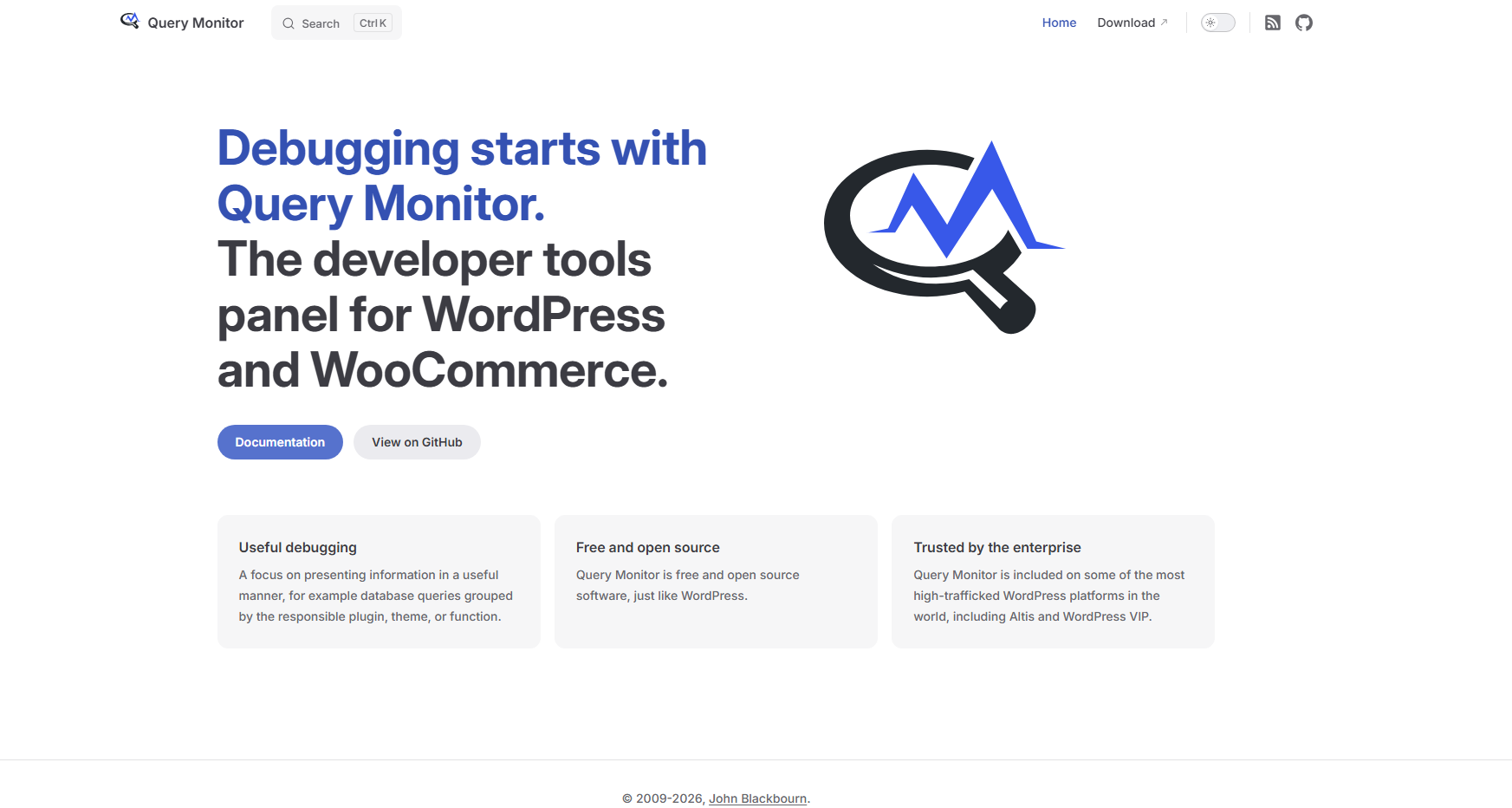
Query Monitor is one of the most powerful debugging tools for WordPress, offering detailed insights into database queries, PHP errors, and API requests. For Hong Kong websites where speed and uptime are critical—especially in eCommerce and multilingual environments—this tool helps quickly identify bottlenecks and optimize performance in real time.
Key features
- Displays all database queries with execution time
- Detects PHP errors, warnings, and notices
- Debugs HTTP API requests and REST API
- Tracks hooks, actions, and filters
- Identifies problematic plugins or themes
- Supports debugging AJAX calls
- User-friendly interface integrated into the WordPress admin bar
Debug Bar
- Rating: 4.5/5
- Pricing: Free
- Best for: Beginners and small business websites in Hong Kong needing simple debugging insights
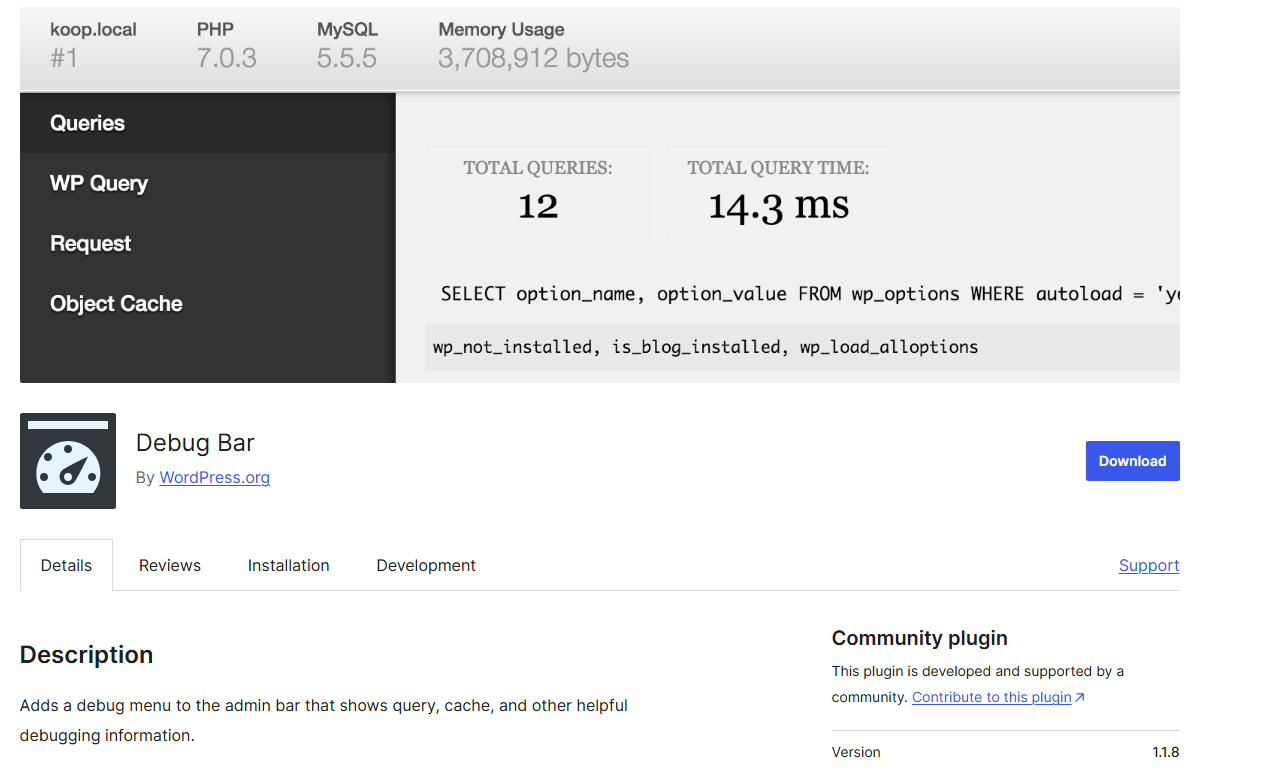
Debug Bar is a lightweight debugging plugin that provides essential technical information directly in the WordPress admin bar. It’s ideal for smaller Hong Kong websites or teams that need quick diagnostics without complex configurations, especially when managing multiple plugins or localized content.
Key features
- Adds a debug menu to the WordPress admin bar
- Displays PHP warnings, notices, and errors
- Shows database queries and execution details
- Lists cache information
- Supports additional features through add-ons
- Lightweight and easy to use for quick debugging
WP Debugging
- Rating: 4.4/5
- Pricing: Free
- Best for: Non-technical users and agencies in Hong Kong who need quick debugging setup
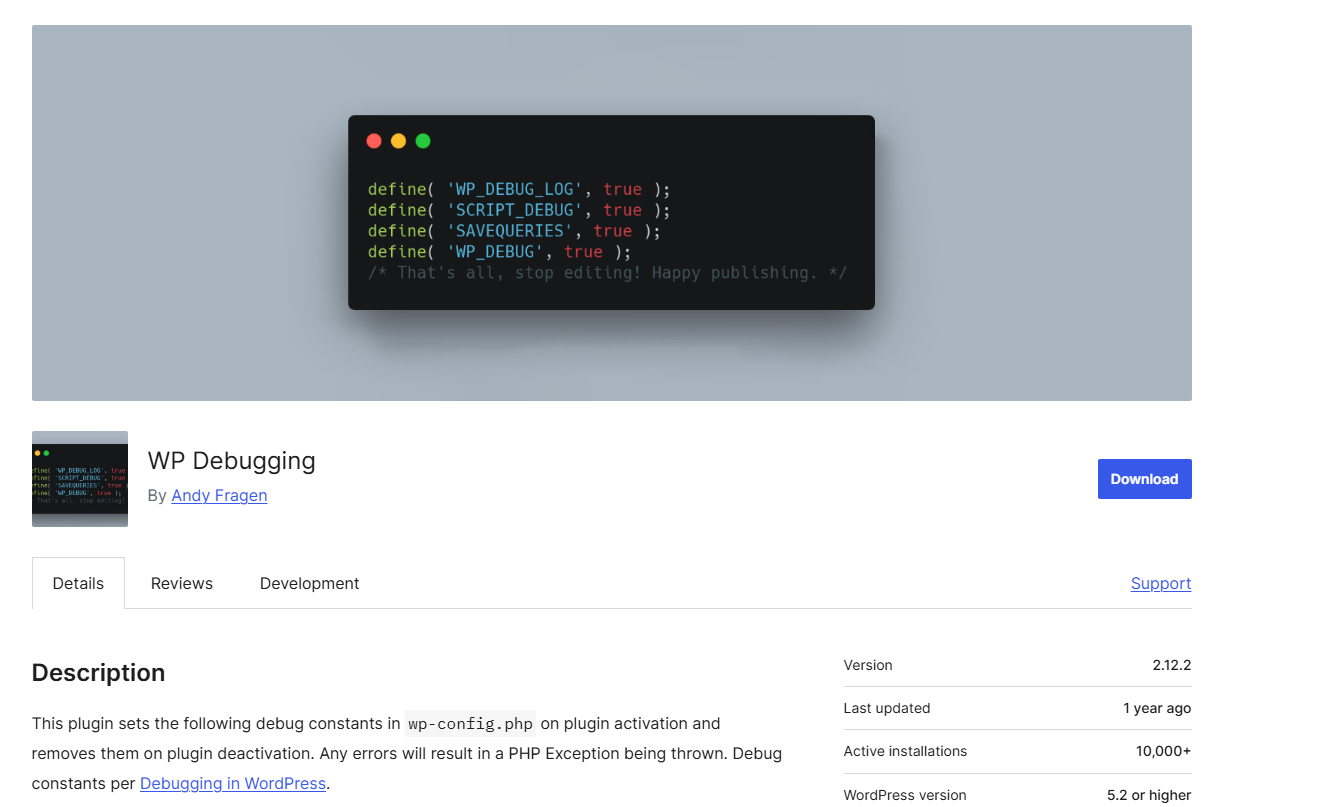
WP Debugging simplifies the process of enabling WordPress debugging by automatically configuring essential debug settings. This is particularly useful for Hong Kong businesses that rely on fast deployment cycles and need a quick way to identify issues without editing core files.
Key features
- Automatically enables WP_DEBUG mode
- Turns on debug logging for error tracking
- Helps identify PHP errors and warnings
- No manual code editing required
- Lightweight and easy to activate
- Ideal for quick troubleshooting in development environments
Log Deprecated Notices
- Rating: 4.3/5
- Pricing: Free
- Best for: Developers in Hong Kong maintaining legacy systems and ensuring long-term compatibility
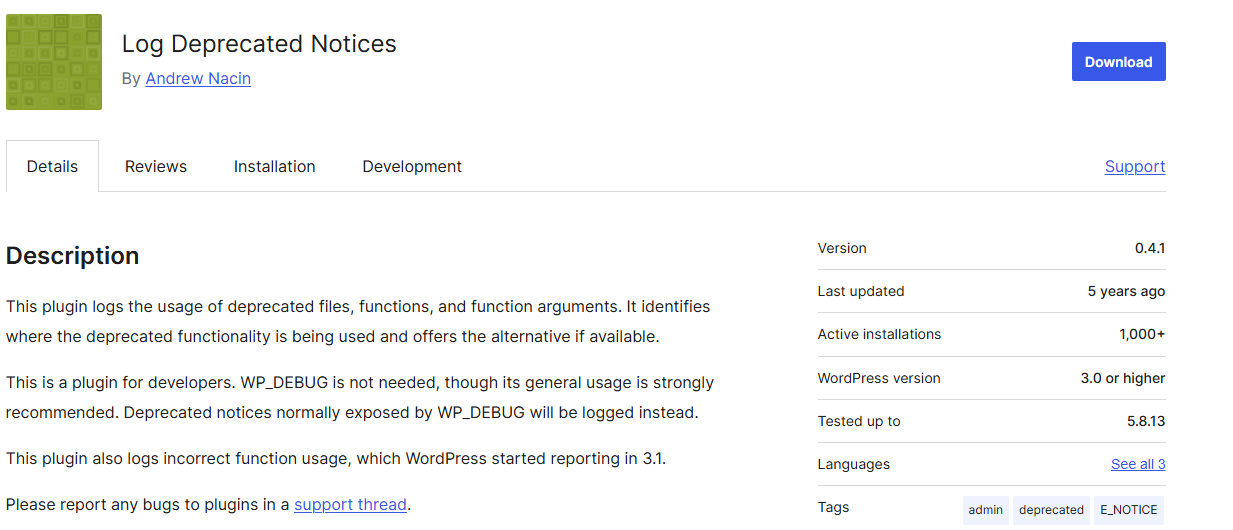
Log Deprecated Notices is a specialized debugging plugin that helps developers identify outdated functions, hooks, and arguments used across WordPress sites. This is particularly valuable for Hong Kong-based websites that frequently rely on multilingual plugins, eCommerce systems, and frequent updates, where outdated code can easily lead to compatibility issues or performance drops.
By logging deprecated elements, this tool allows you to proactively clean up your codebase and keep your website stable and future-proof.
Key features
- Logs deprecated functions, hooks, and arguments
- Detects legacy code issues
- Works across themes, plugins, and core files
- Helps maintain future compatibility
- Useful for WooCommerce and multilingual setups
- Minimal performance impact
Health Check & Troubleshooting
- Rating: 4.1/5
- Pricing: Free
- Best for: Developers and agencies in Hong Kong diagnosing plugin/theme conflicts safely on live sites
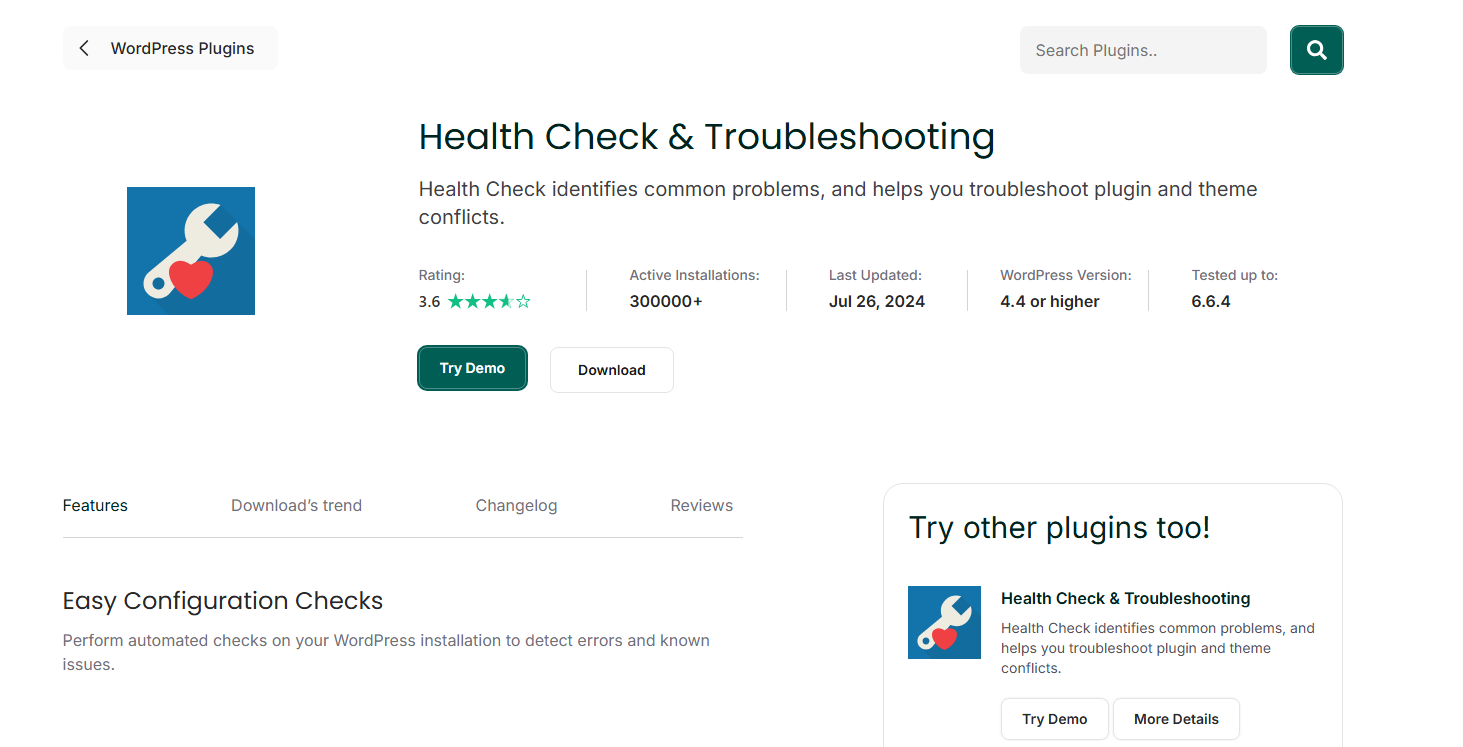
Health Check & Troubleshooting is a powerful diagnostic tool designed to help identify common WordPress issues without affecting the live user experience. This is especially valuable for Hong Kong websites where uptime and user experience are critical, as it allows you to troubleshoot conflicts in a private “safe mode” visible only to administrators.
It’s ideal for quickly isolating problematic plugins or themes in complex environments such as eCommerce or multilingual sites.
Key features
- Enables troubleshooting mode (safe mode) without impacting visitors
- Detects plugin and theme conflicts
- Provides detailed site health status checks
- Displays PHP and server configuration issues
- Allows selective activation of plugins during testing
- Helps maintain site stability and uptime
- Beginner-friendly yet powerful for developers
New Relic
- Rating: 4.7/5
- Pricing: Freemium (free tier available, paid plans for advanced features)
- Best for: High-traffic and enterprise websites in Hong Kong that require advanced performance monitoring
New Relic is a powerful application performance monitoring (APM) tool that provides deep visibility into your WordPress site’s performance. For Hong Kong websites—where fast load times and uptime directly impact user experience and conversions, New Relic helps track server performance, slow transactions, and bottlenecks across your entire stack.
It is especially valuable for eCommerce platforms and large-scale applications that need real-time monitoring and optimization.
Key features
- Monitors application performance in real time
- Identifies slow transactions and bottlenecks
- Tracks server, database, and external service performance
- Provides detailed error tracking and diagnostics
- Supports full-stack monitoring (backend + infrastructure)
- Customizable alerts and dashboards
Chrome DevTools
- Rating: 4.9/5
- Pricing: Free
- Best for: Frontend developers and Hong Kong websites needing real-time browser-based debugging
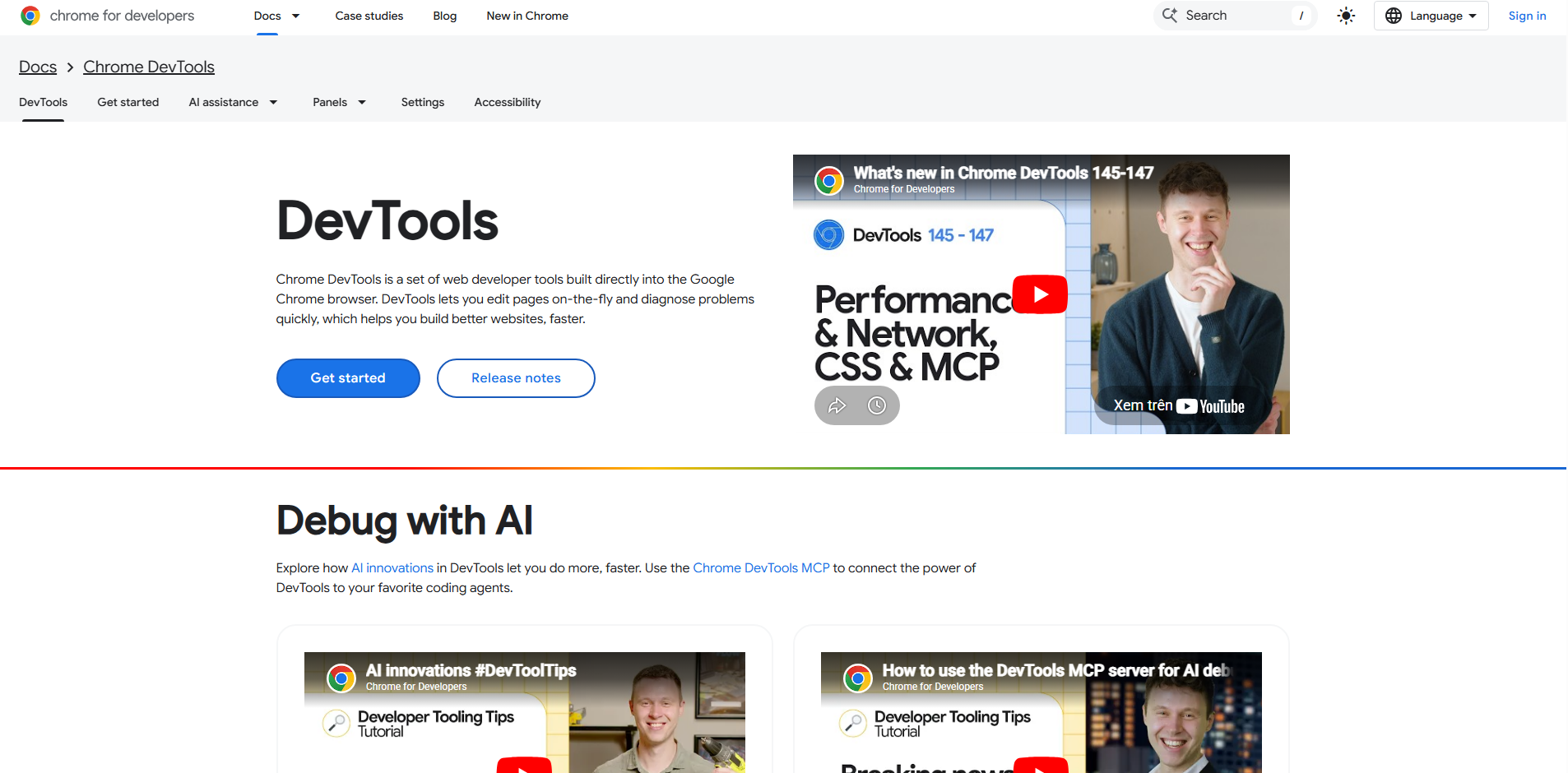
Chrome DevTools is a built-in set of developer tools in Google Chrome that allows you to debug and optimize your website directly in the browser. For Hong Kong websites—where fast loading speed and smooth user experience are essential—this tool helps identify frontend issues such as JavaScript errors, slow network requests, and rendering bottlenecks in real time.
Key features
- Debug JavaScript errors directly in the browser
- Analyze network requests and loading time
- Inspect and edit HTML, CSS in real time
- Identify render-blocking resources
- Test responsive design across devices
- Includes Lighthouse audits for performance and SEO insights
Xdebug
- Rating: 4.7/5
- Pricing: Free
- Best for: Advanced developers in Hong Kong who need deep PHP-level debugging and code analysis
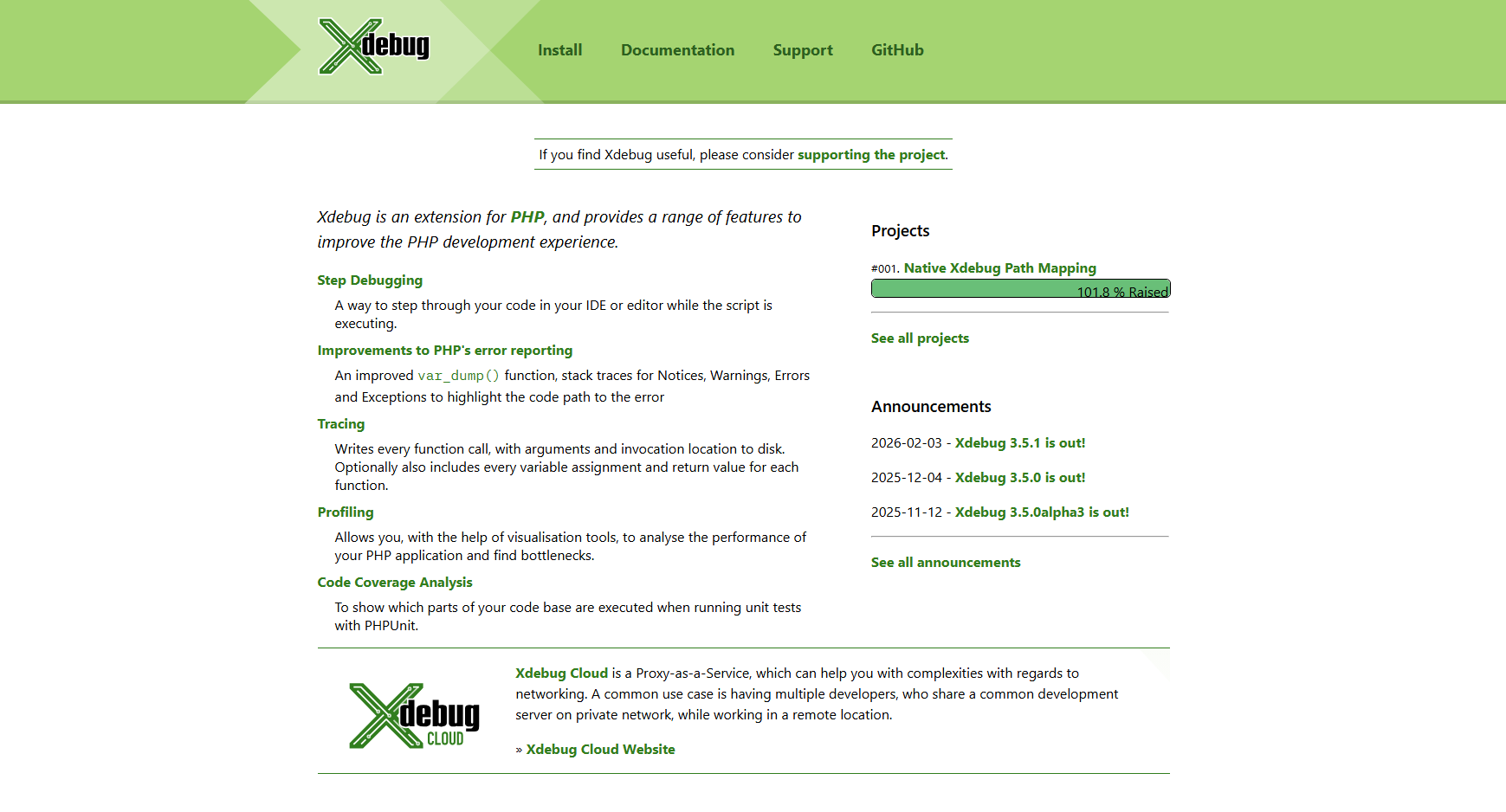
Xdebug is a powerful PHP debugging and profiling tool that allows developers to step through code, inspect variables, and analyze execution flow in detail.
For Hong Kong-based WordPress projects, especially complex, high-traffic, or custom-built sites—Xdebug is essential for identifying hidden bugs and optimizing backend performance at a deeper level than standard plugins.
Key features
- Provides detailed stack traces and error reports
- Allows inspection of variables and execution flow
- Supports breakpoints for precise debugging
- Includes profiling tools for performance analysis
- Integrates with IDEs like PHPStorm and VS Code
- Ideal for debugging custom themes and plugins
To further strengthen your WordPress website beyond debugging and performance optimization, you can also explore What is WordPress Penetration Testing? to learn how to identify and prevent potential security vulnerabilities.
Frequently Asked Questions
1. What is the best WordPress debugging tool?
The best tool depends on your needs. For general debugging, tools like Query Monitor are highly recommended, while advanced users may prefer tools like Xdebug for deeper analysis.
2. Can beginners use WordPress debugging tools?
Yes, many tools are beginner-friendly. Plugins like WP Debugging allow you to enable debugging without coding knowledge, making them accessible for non-technical users.
3. Is it safe to enable debug mode on a live website?
No, it is not recommended to enable debug mode on a live (production) site because it may expose sensitive information. Always use a staging or local environment for debugging.
4. Do debugging tools affect website performance?
Some tools may slightly impact performance, especially when running continuously. However, most are optimized to minimize resource usage and should only be enabled when needed.
5. How do I know which tool to choose?
Choose based on your skill level and website complexity. Beginners can start with simple plugins, while developers working on complex or high-traffic sites may need advanced monitoring tools.
Conclusion
Debugging plays a critical role in maintaining a fast, stable, and high-performing WordPress website, especially in competitive markets like Hong Kong. By using the right WordPress Studio debugging tools, you can quickly identify issues, resolve conflicts, and optimize both frontend and backend performance. From beginner-friendly plugins to advanced monitoring solutions, each tool serves a unique purpose in improving your development workflow and overall site reliability.
If you’re looking for professional support, Arestós offers expert WordPress development and optimization services tailored to your business needs. Whether you need performance tuning, bug fixing, or full website development, their team can help ensure your site runs smoothly and efficiently.
Contact us today to get expert support and take your WordPress website to the next level.
Subscribe to our newsletter!
Get updated to
the lastest IT trends
Related Posts
Update the latest technology trends for your business